Background Remover: Cut Out a Transparent PNG
Upload a photo. We lift the subject and leave a transparent background you can drop onto any layout.

Or drop a JPEG, PNG, or WebP here, up to 30MB
No photo handy? Try one of these
Sign in to run the tool. The photo and the cutout are stored so you can download the PNG later.
Four Jobs for a Clean Cutout
One upload, one transparent PNG. Use it on a marketplace tile, a slide, or a layout you already have.
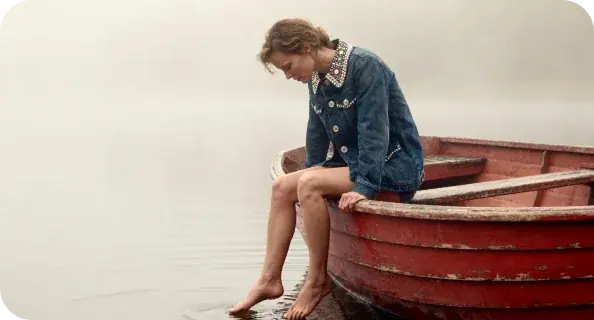
Three Steps Through the Background Remover
Upload, wait for the cutout, download the PNG.
- Step1
Upload the Photo
A JPEG, PNG, or WebP under 30MB. Clear subject, even light, and space around the edges give a cleaner cut. - Step2
Wait for the Cutout
The subject is lifted from the backdrop. Hair and glass are the hard cases — still lighting helps more than a second upload. - Step3
Download the PNG
The file is a transparent PNG, ready to place on any layout.
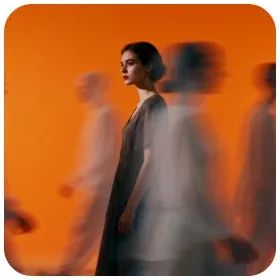 Transparent PNG

Who Reaches for a Background Remover
Marketplace Listings
Amazon and Etsy want the product on white. Cut it out here, then sit it on whatever backdrop the channel asks for.
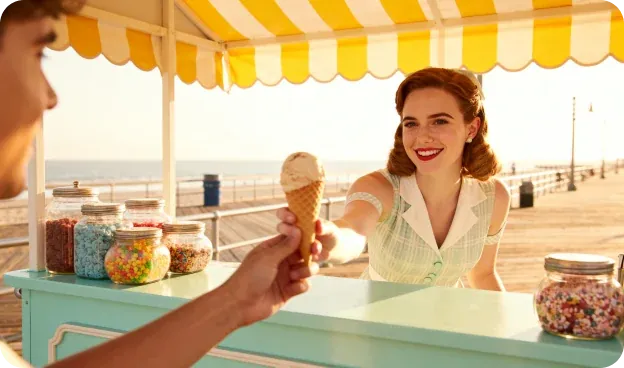
One Catalog, One Backdrop
Photos taken across six months on six surfaces. One cutout per item, one shared color behind the grid.

Seasonal Refresh
The same mug, a new surface each season. Keep the cutout and change only the background in your layout.

Filling Variant Gaps
Only the navy version got photographed. Lift it now so the listing is not a phone snap on a bedspread.




What People Actually Get From This Background Remover
Notes from people who needed a cutout they could drop onto their own layouts.




Ingrid Halvorsen
Handmade Jewellery Shop Owner, Bergen
I shoot rings on my kitchen table and download the PNG. The band stays mine; I put it on a warm grey in the listing. I light the table first so the edge stays clean.
Background Remover Questions, Answered Plainly
Yes. The download is a PNG with a transparent background. Drop it onto any color or layout in your own editor.
It lifts the pixels you shot; it does not redraw the face or the label. Hair, glass and fine straps are the edges that can fray.
Those edges are the hard cases. Even lighting and a clear gap between subject and backdrop leave less for the model to guess.
A dedicated cutout model, not the image-to-image lineup. You do not pick a generate model on this page.
Yes. Light the subject, leave a gap around the edges, and upload again.
Yes. Each photo costs 4 credits, deducted when the run starts and refunded automatically if it fails. You need to be signed in.
Yes. The output is yours, personally or commercially, and we claim no rights to it.
The upload and the PNG are stored with your account so you can download them. Sign in is required to run the tool.