Case 01 — The online shop
A product shot that sells,without a studio day.
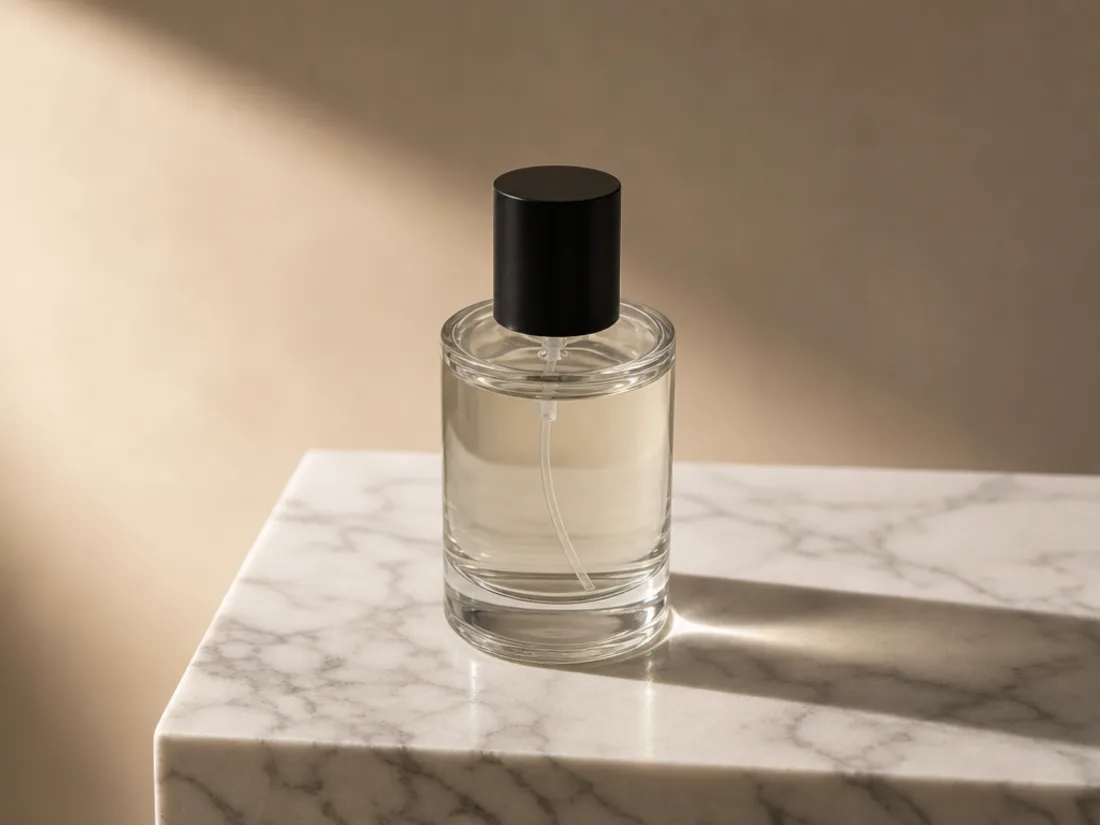
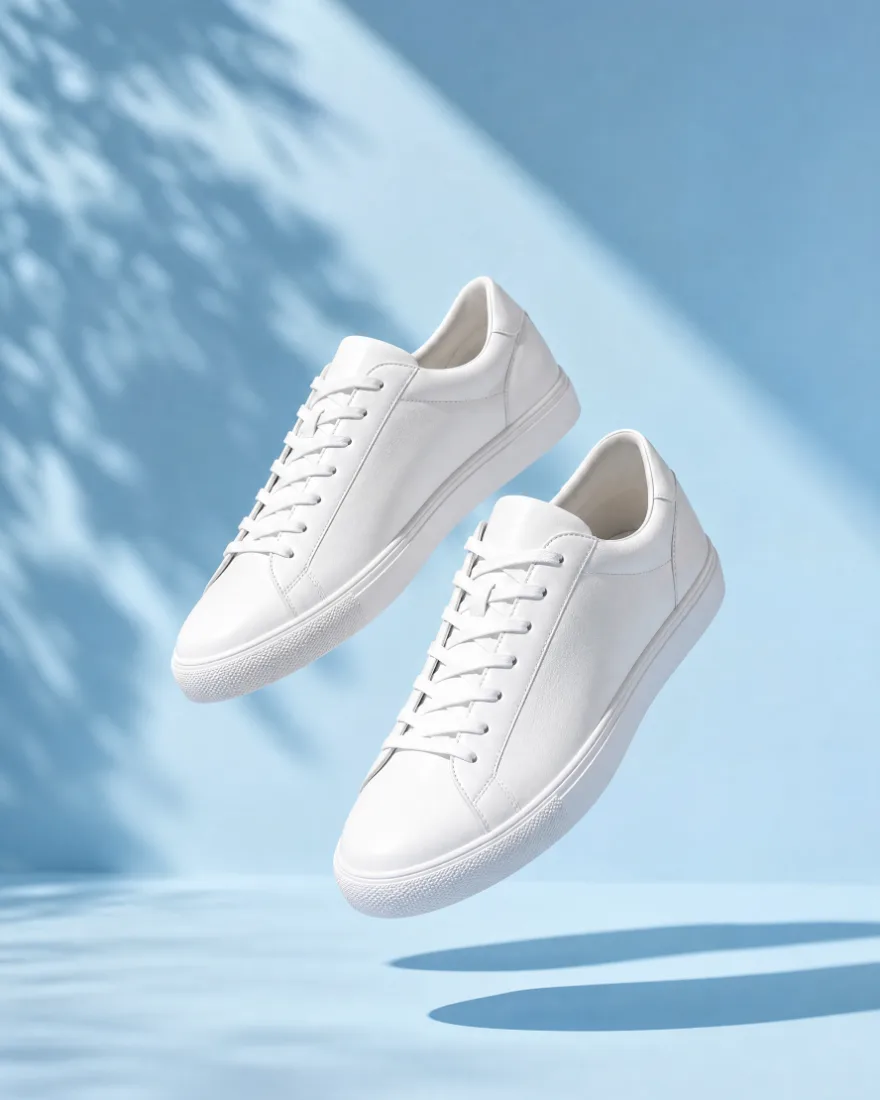
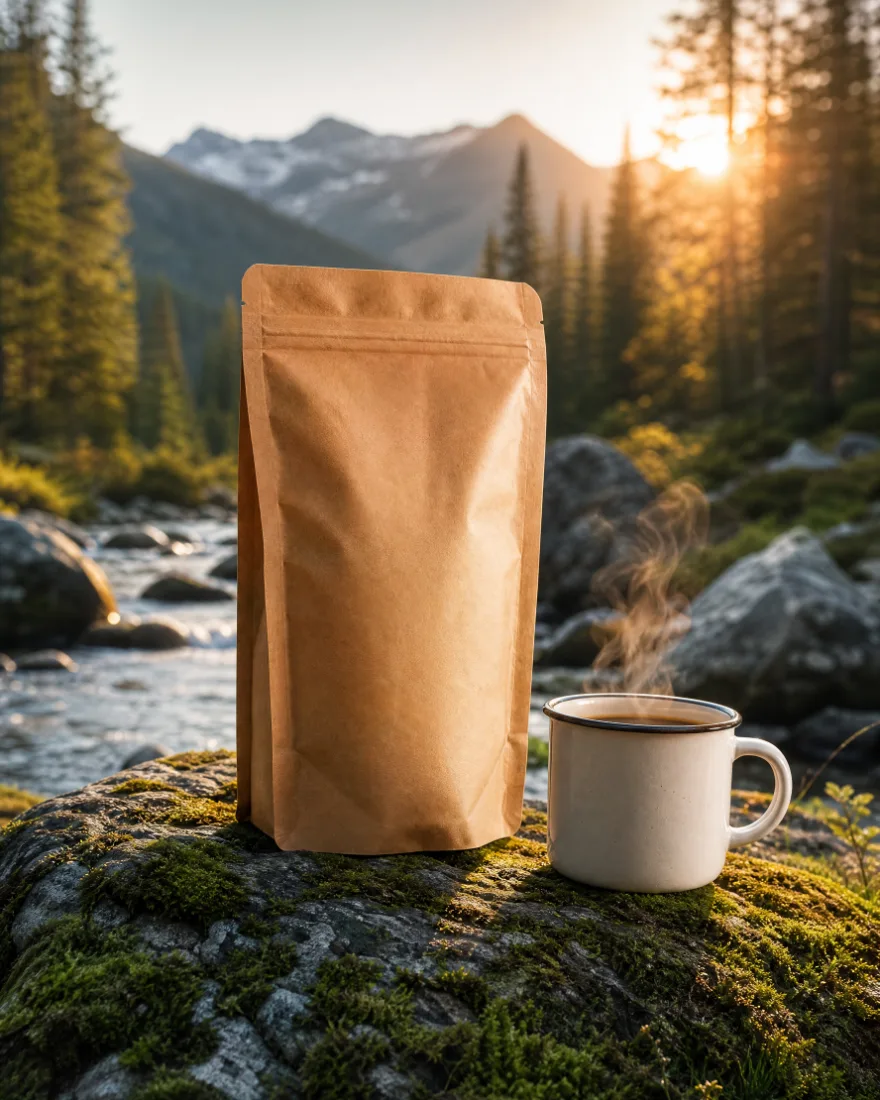
Upload the phone photo of your bottle. Ask for marble, hard light, a shadow. Keep the label sharp.
Try this workflow →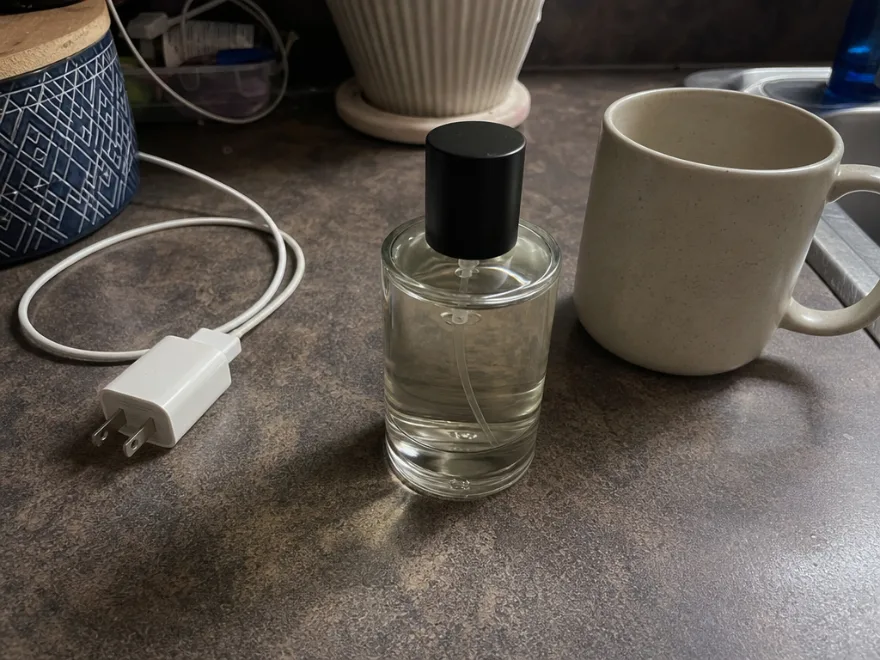
Annual billing keeps the same monthly credits for around 30% less.
See PlansOne workspace, every top model: Nano Banana, GPT Image 2, Midjourney, Flux and more.
In this studio
 OpenAI
 Google
 ByteDance
 Black Forest Labs
 Alibaba
 xAI
 Midjourney
 Ideogram
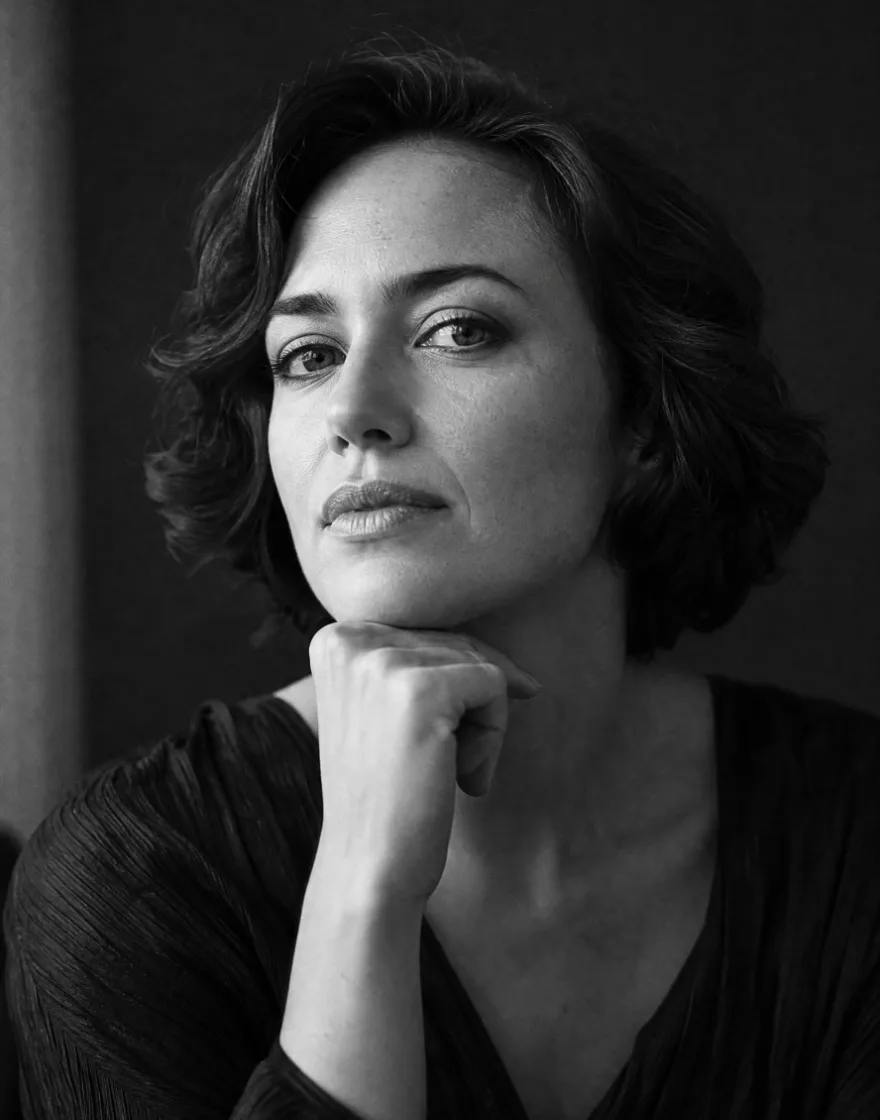

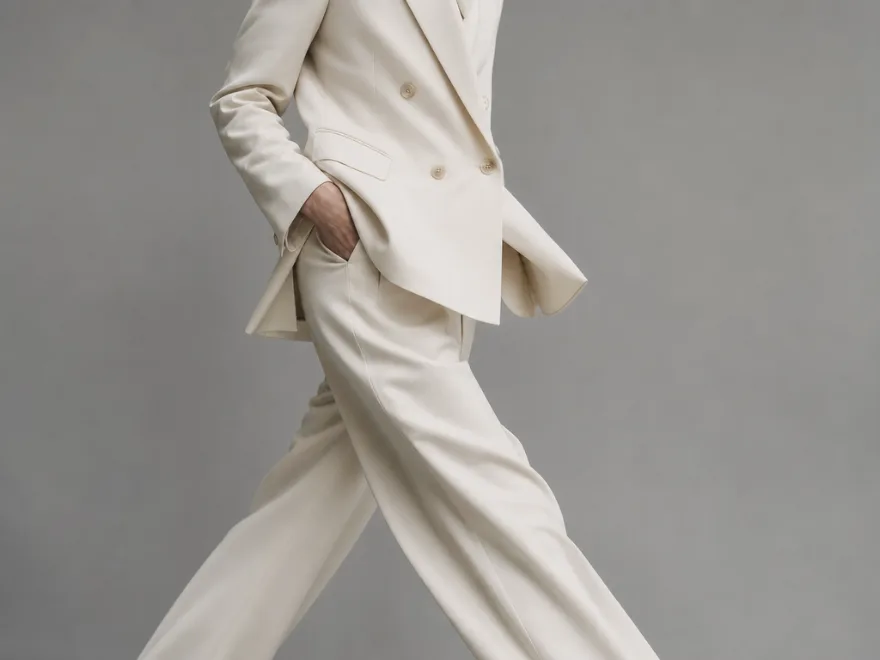
Light, lens and mood are all just words. Describe the shot the way you’d brief a photographer, then let the model draw it.
“The model is the camera. The sentence is the shoot.”
Case 01 — The online shop
Upload the phone photo of your bottle. Ask for marble, hard light, a shadow. Keep the label sharp.
Try this workflow →Case 02 — The interior studio
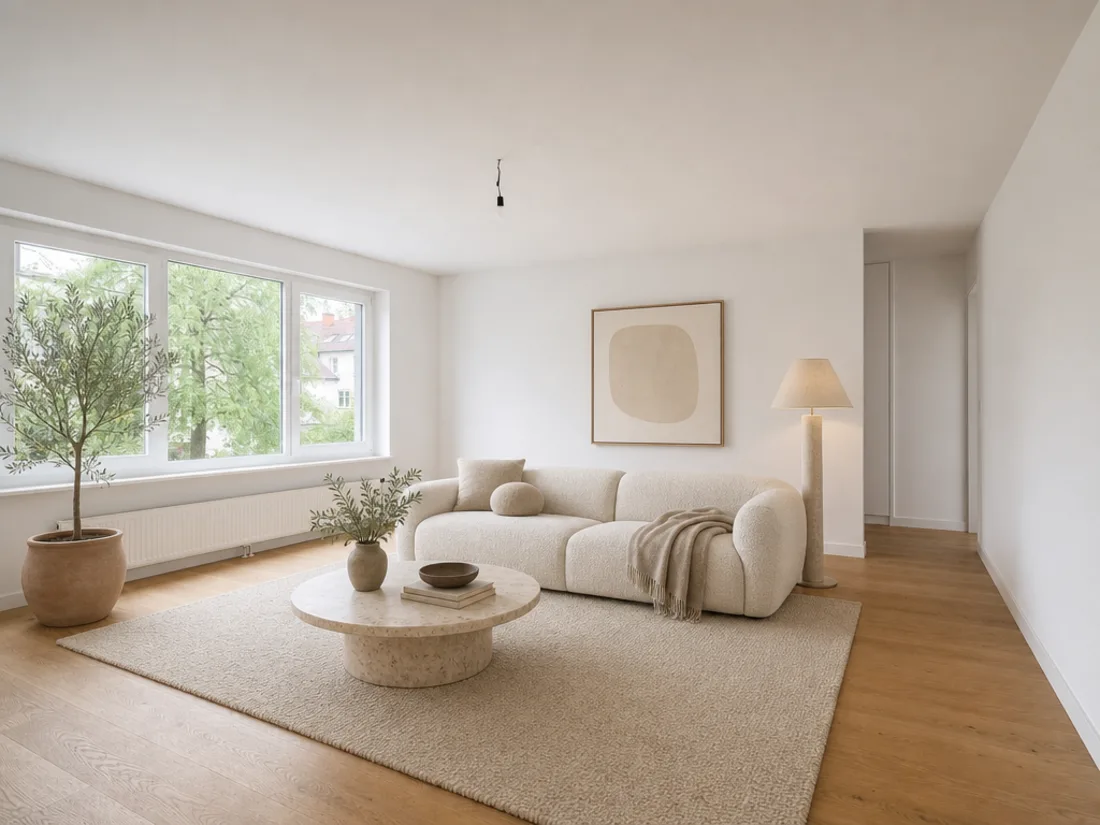
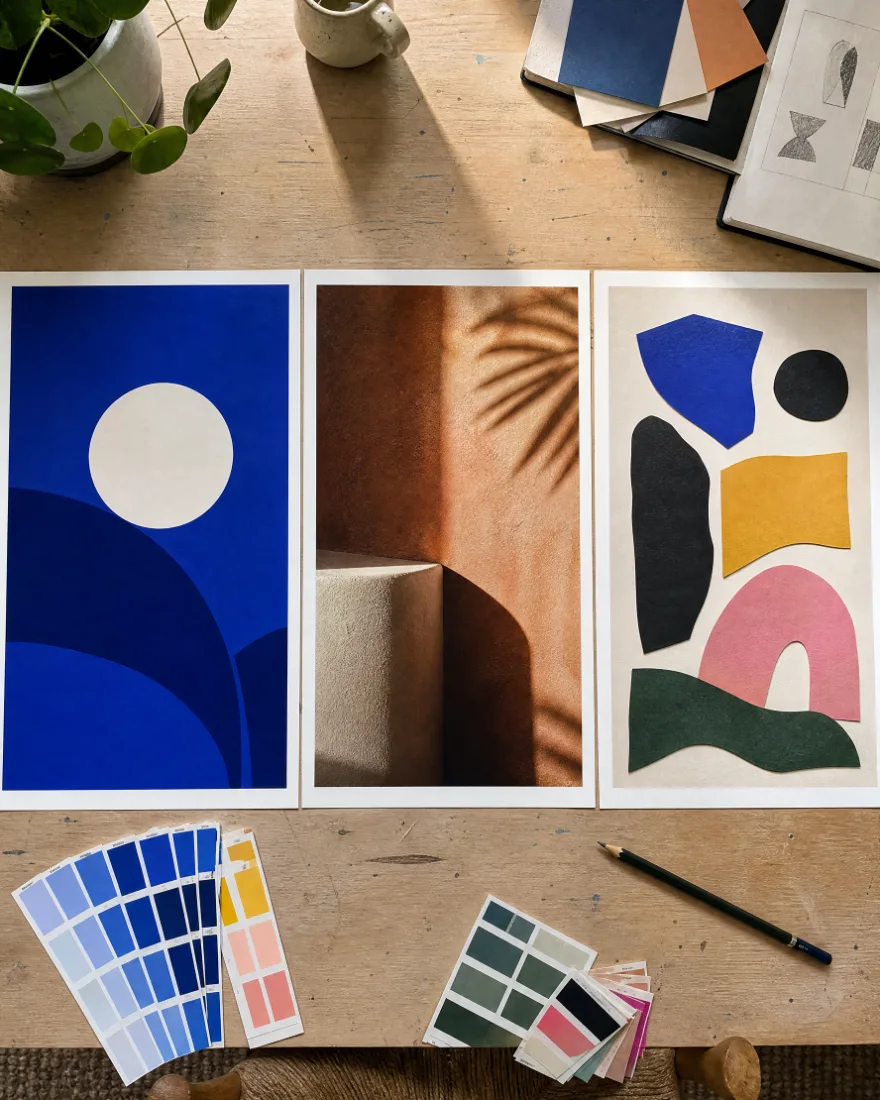
Start from an empty space and a mood board. Try three furnishing schemes before anyone buys a sofa.
Try this workflow →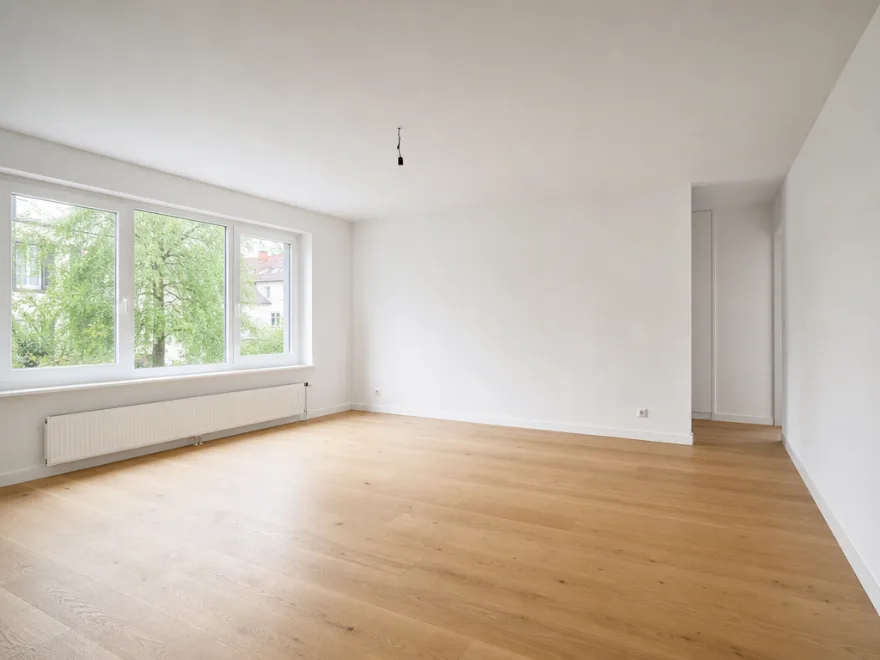
Case 03 — The food menu
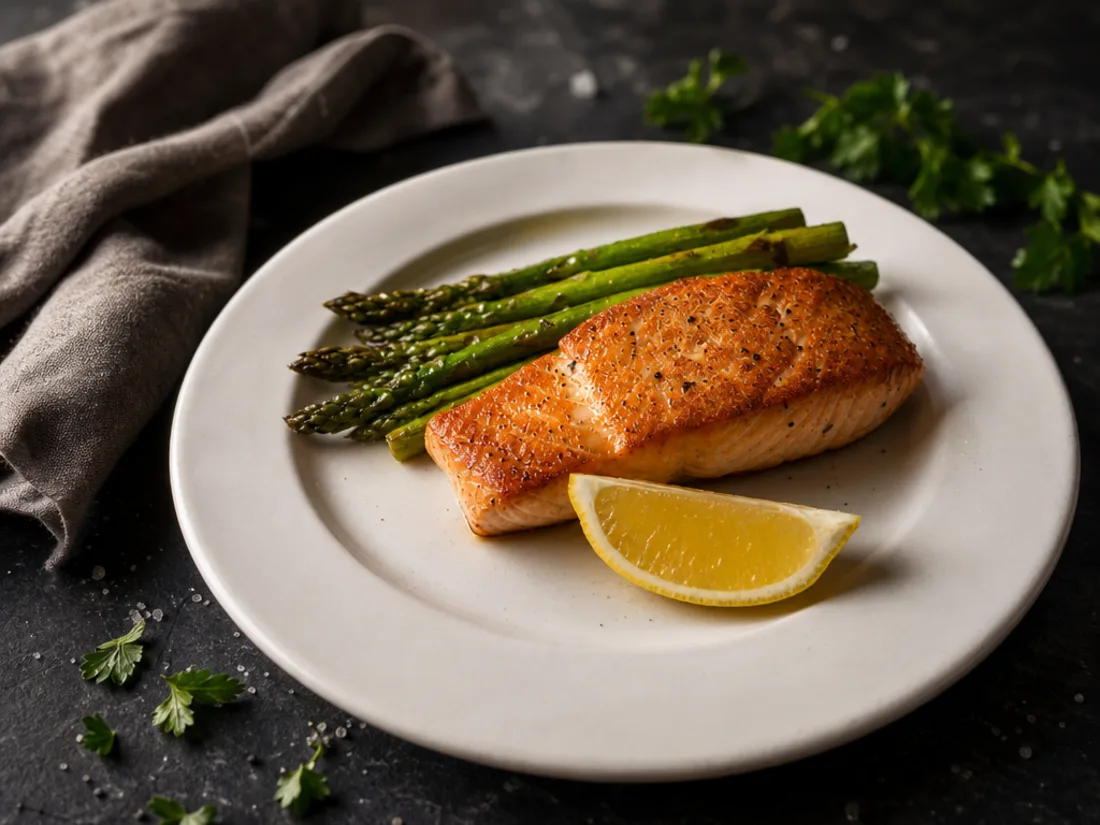
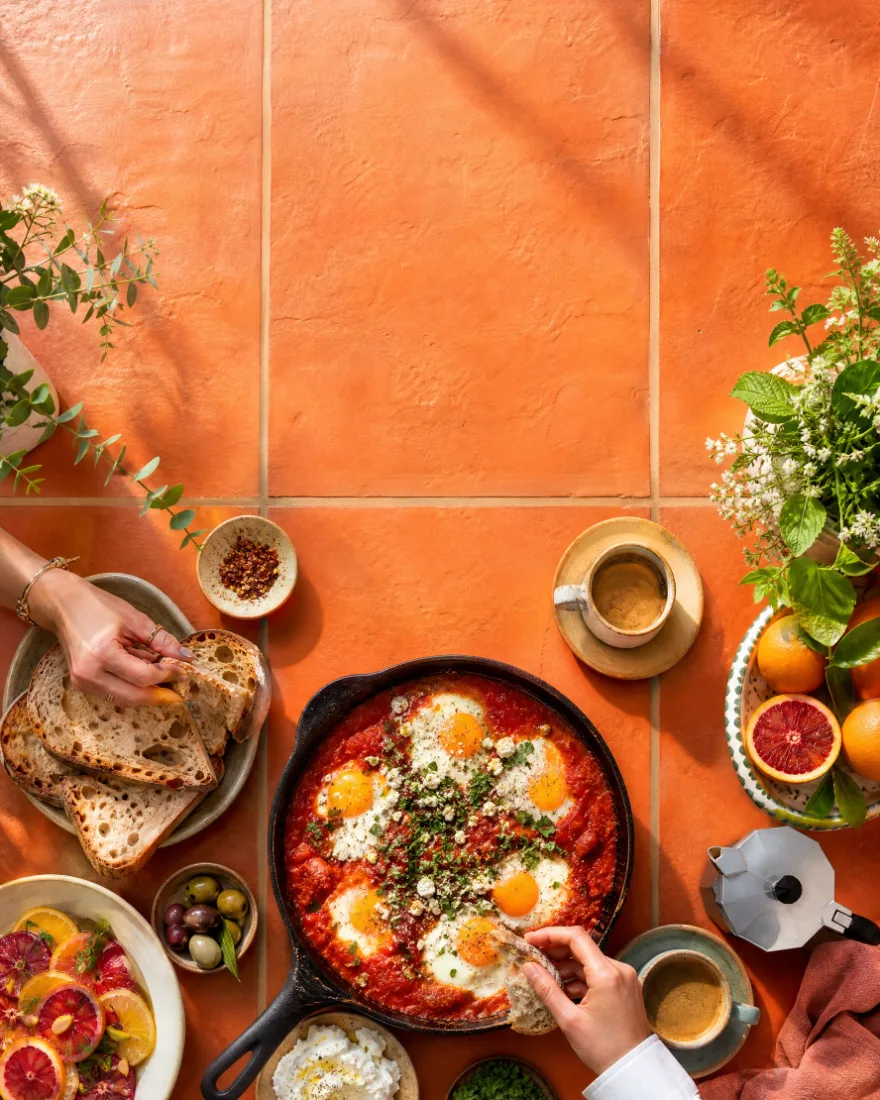
One dish, three lighting setups, the right crop for print, delivery apps and the window poster.
Try this workflow →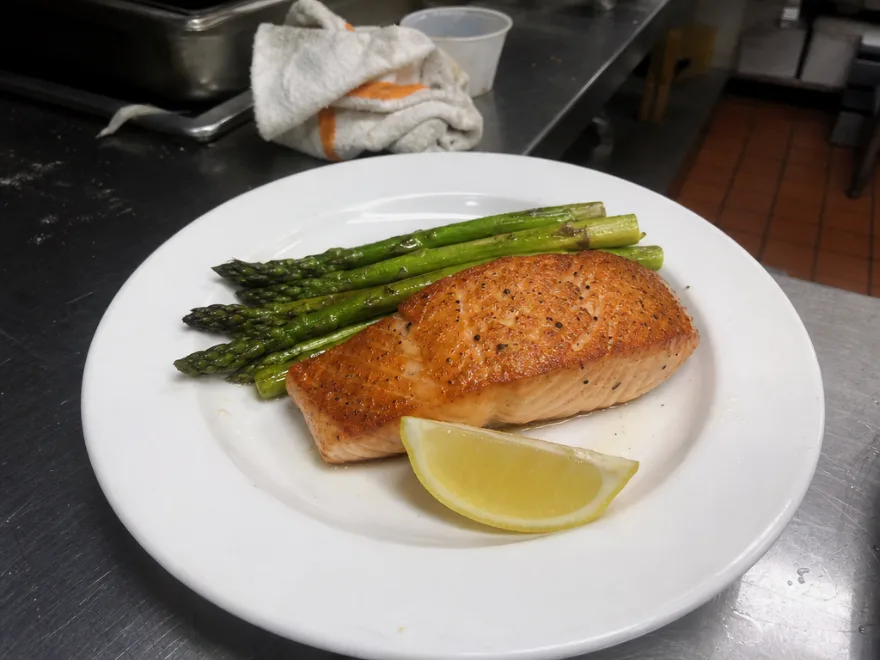
Write it the way you’d brief a photographer. No prompt syntax.
Every model in one menu. Switch any time; your prompt stays.
Aspect ratio, resolution and batch size — or leave the defaults.
The credit cost shows before you press go. Failed runs are refunded.
Marketers, founders, teachers, and indie developers open Imagoir AI Image every day. Here is what they ship with Imagoir AI Image.

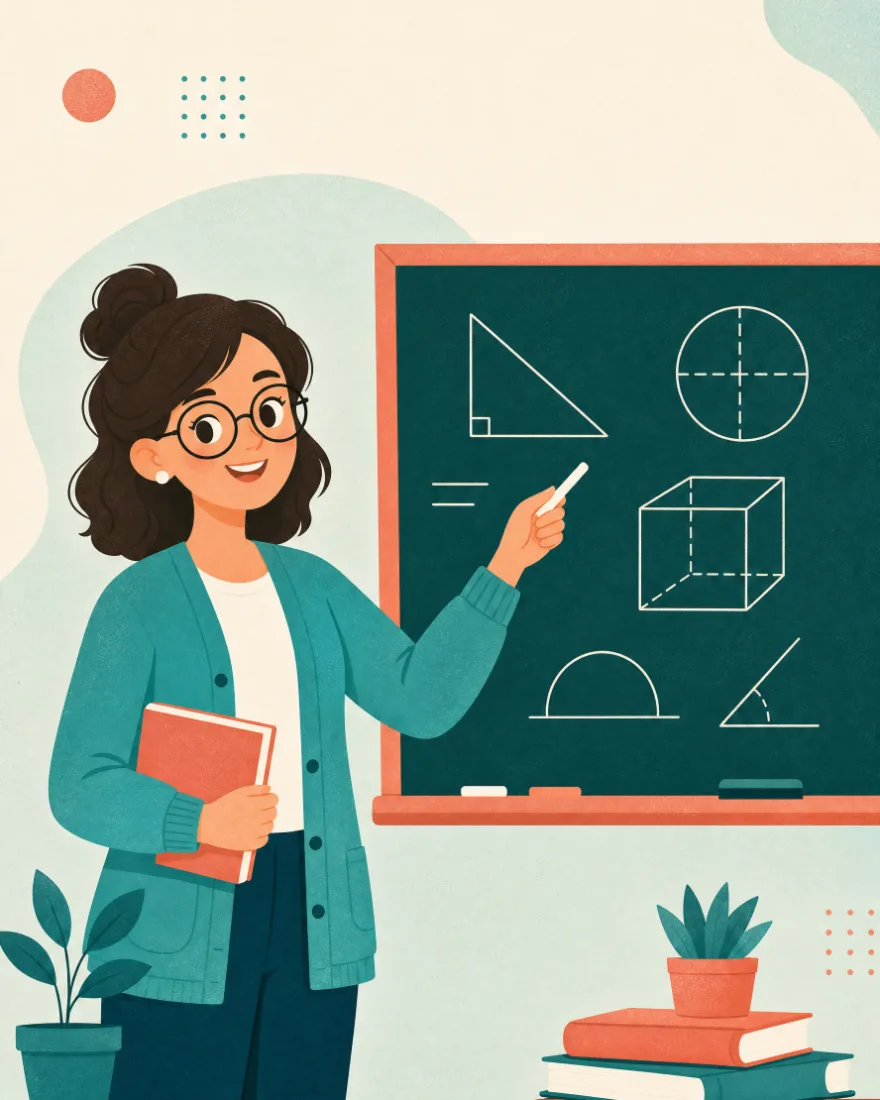

I used Imagoir AI Image to batch product heroes and short-form covers. Prompts only — one Imagoir AI Image run beats waiting a week on a design queue.

It is an all-in-one online studio for making pictures from text. Instead of paying for one model at a time, Imagoir AI Image puts the leading generators side by side in a single workspace, so you can describe a scene once and compare how each engine draws it. Everything runs in the browser, and finished Imagoir AI Image work is stored in your account, searchable by prompt, model, or date whenever you need it again.
Create a free account, open the prompt box, and describe what you want to see. Every new Imagoir AI Image account gets starter credits, so you can finish a first picture before deciding on a plan. There is nothing to download and no card required to try it. Most people have a usable Imagoir AI Image inside two minutes, and credits only tick down when a job actually finishes.
Most jobs finish between a few seconds and about a minute. Lightweight engines return a draft almost instantly, while higher resolutions, batches, and reference-guided edits take longer. You can keep working while a job runs, and Imagoir AI Image notifies you the moment it is ready. Queue several prompts back to back and let Imagoir AI Image return the whole batch together.
One subscription, one credit balance, one interface. Switching engines elsewhere means new accounts, new billing, and relearning each interface. With Imagoir AI Image the prompt box, parameters, and history stay identical no matter which model draws the picture. That makes it easy to run one prompt through two Imagoir AI Image engines and keep whichever result reads better.
None at all. Write a sentence the way you would describe a photo to a friend, and Imagoir AI Image handles the rest. Advanced controls such as aspect ratio, resolution, and batch size are there when you want them, and safely ignorable when you do not. If a result misses the mark, change one word and let Imagoir AI Image run it again.
Paid plans export clean files at full resolution with no watermark. Free-tier downloads may carry a small mark depending on the current plan rules, and upgrading removes it from every picture in your library, including ones you already made. Every Imagoir AI Image export comes in PNG or JPG at the aspect ratio you picked before generating.
Yes. Paid subscriptions and credit packs include a commercial license, so client work, product listings, ads, and printed material are all covered. Teams often run a shared Imagoir AI Image account so every picture stays in one searchable place, with the original prompt attached for anyone who needs to rebuild or tweak it later.
On a paid plan you own every Imagoir AI Image you make, and may publish, sell, or modify it. The one limit is the technology itself: the underlying model weights are not yours to resell or redistribute. Full details live in the Terms of Service, and the rules do not change retroactively on work you have already published.
6 free credits when you sign up. No card, no install — the same prompt box you saw at the top.
Start free and keep every picture you make. A paid plan adds faster queues, higher resolutions, batch runs, and a commercial license, so it can carry real client work rather than weekend experiments. Imagoir AI Image credits never lock you into one engine, and unused ones roll into whatever you make next.
Create Images