Generate content
Your generated images will show up here.
AI Image Creator: Your Photo, Elsewhere
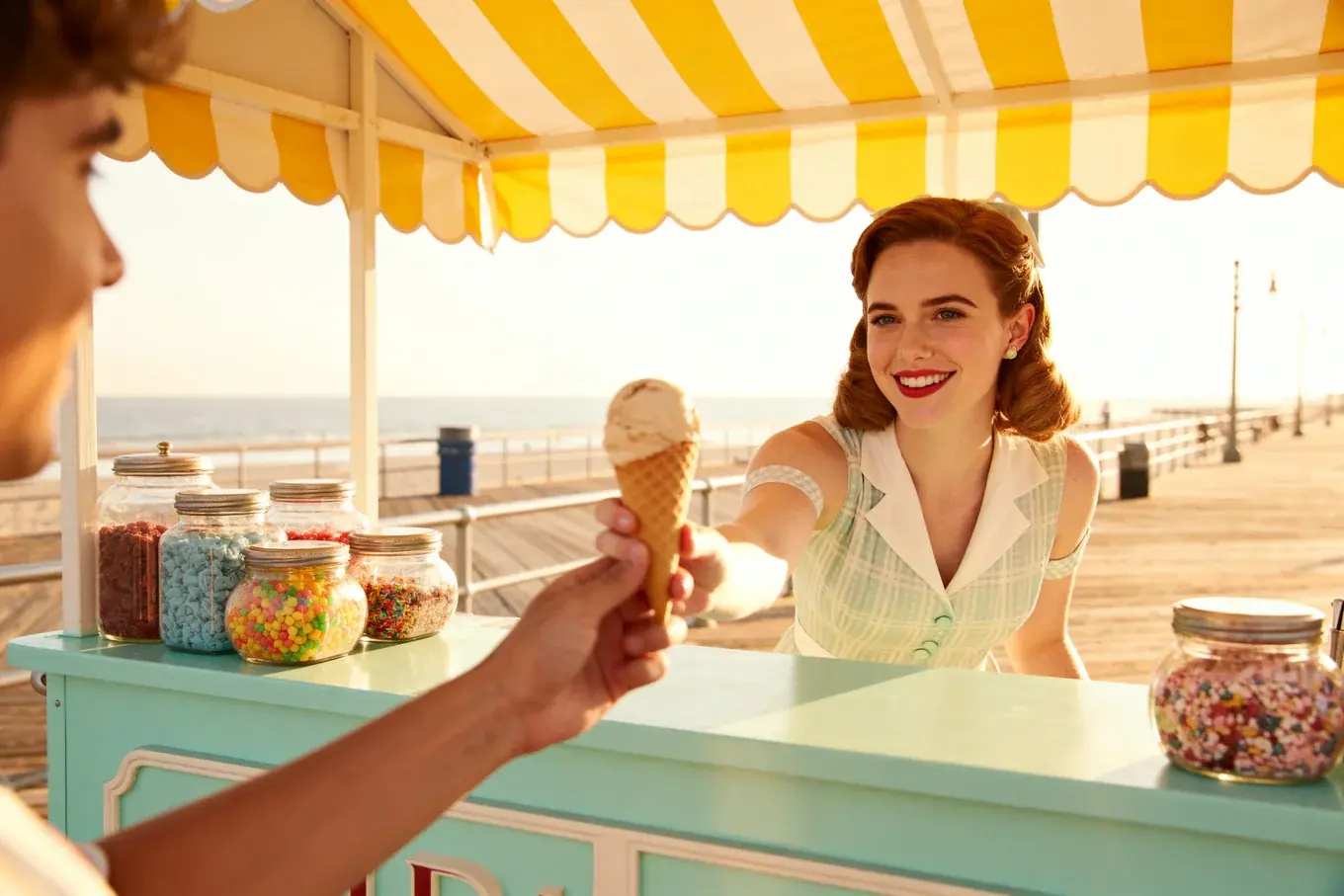
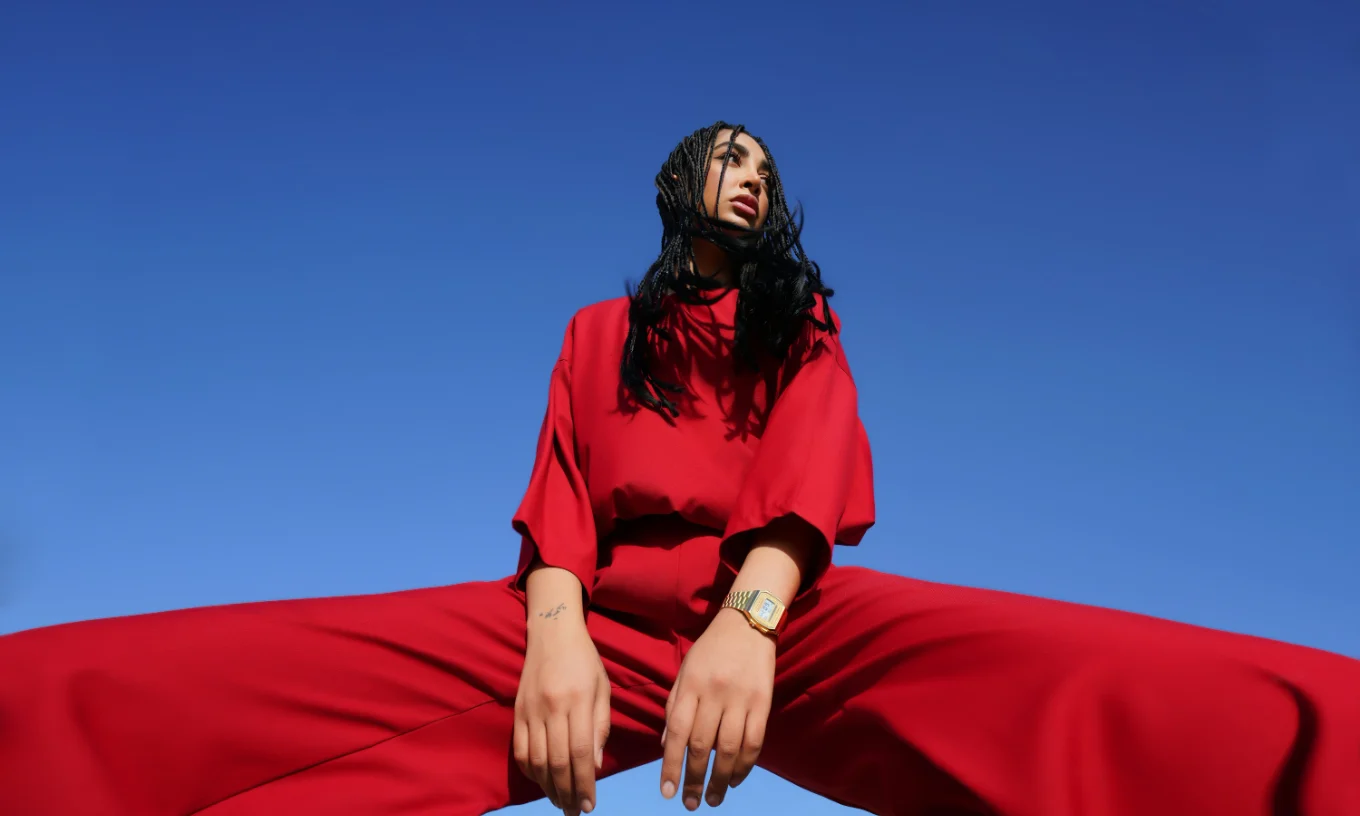
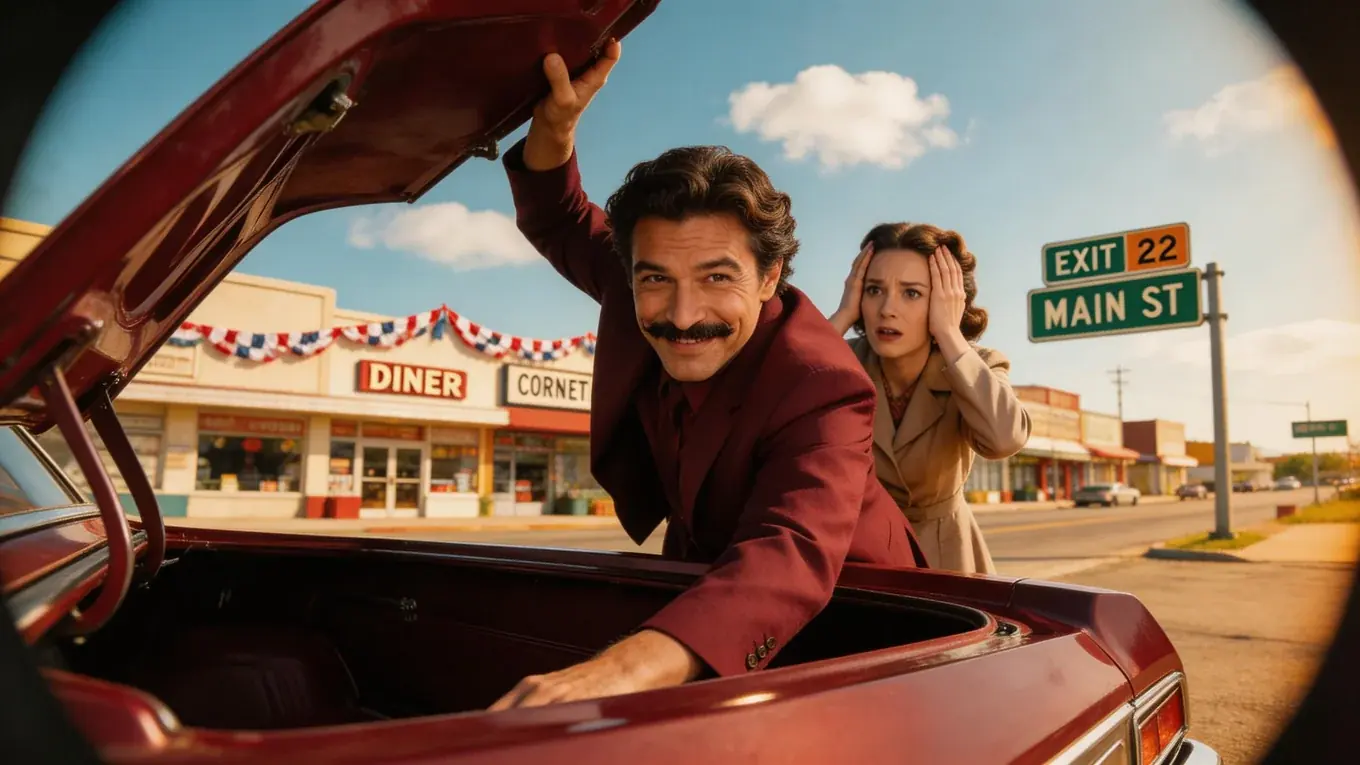
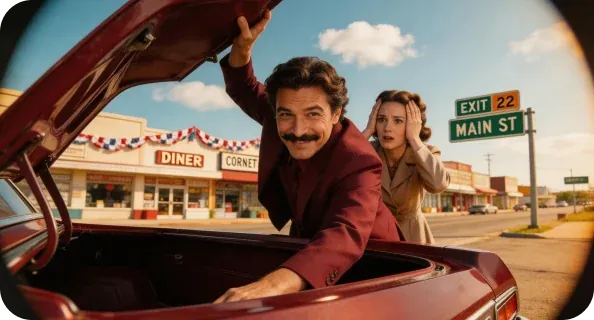
Stock sample renders we chose for this page, not pictures sent in by users.
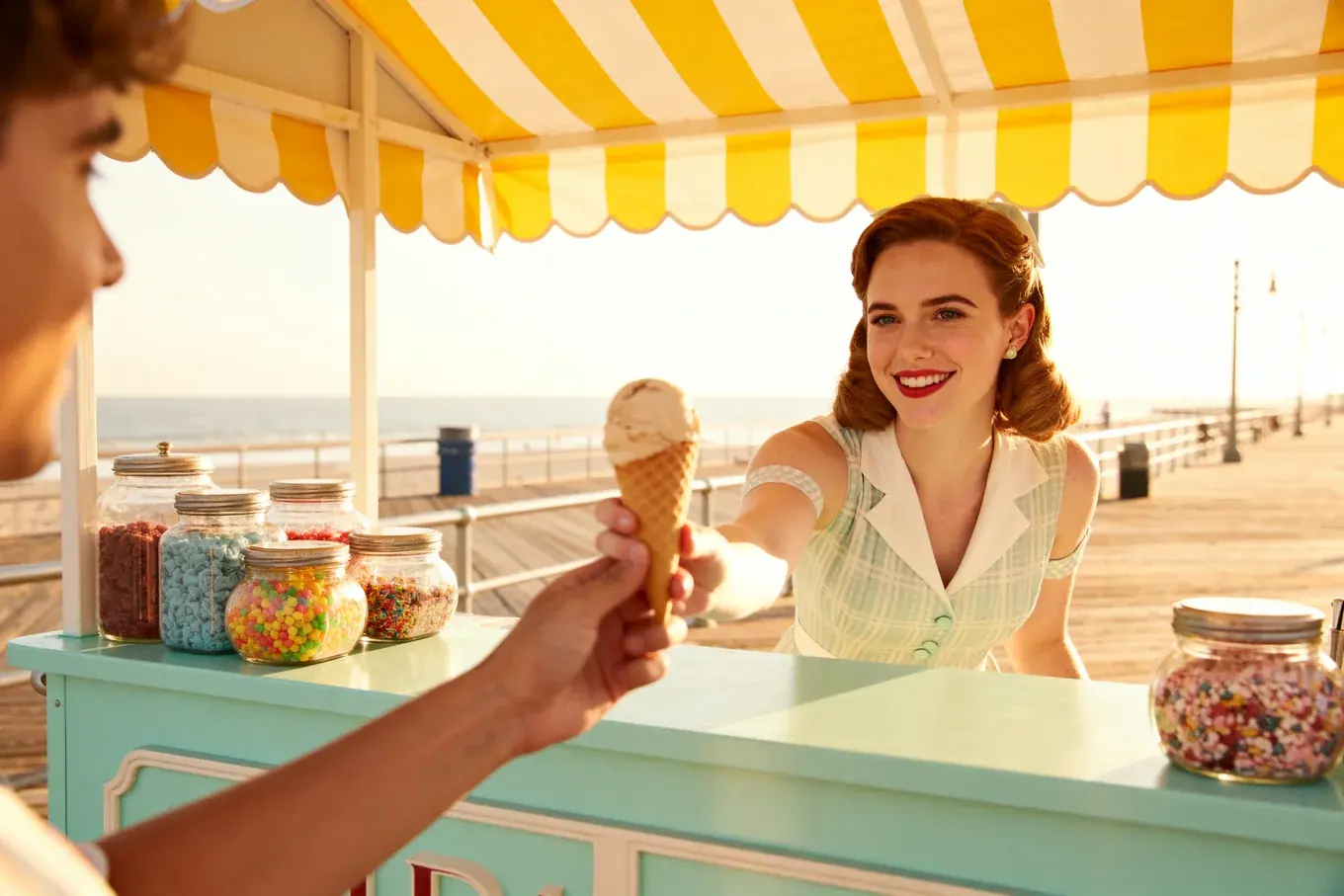
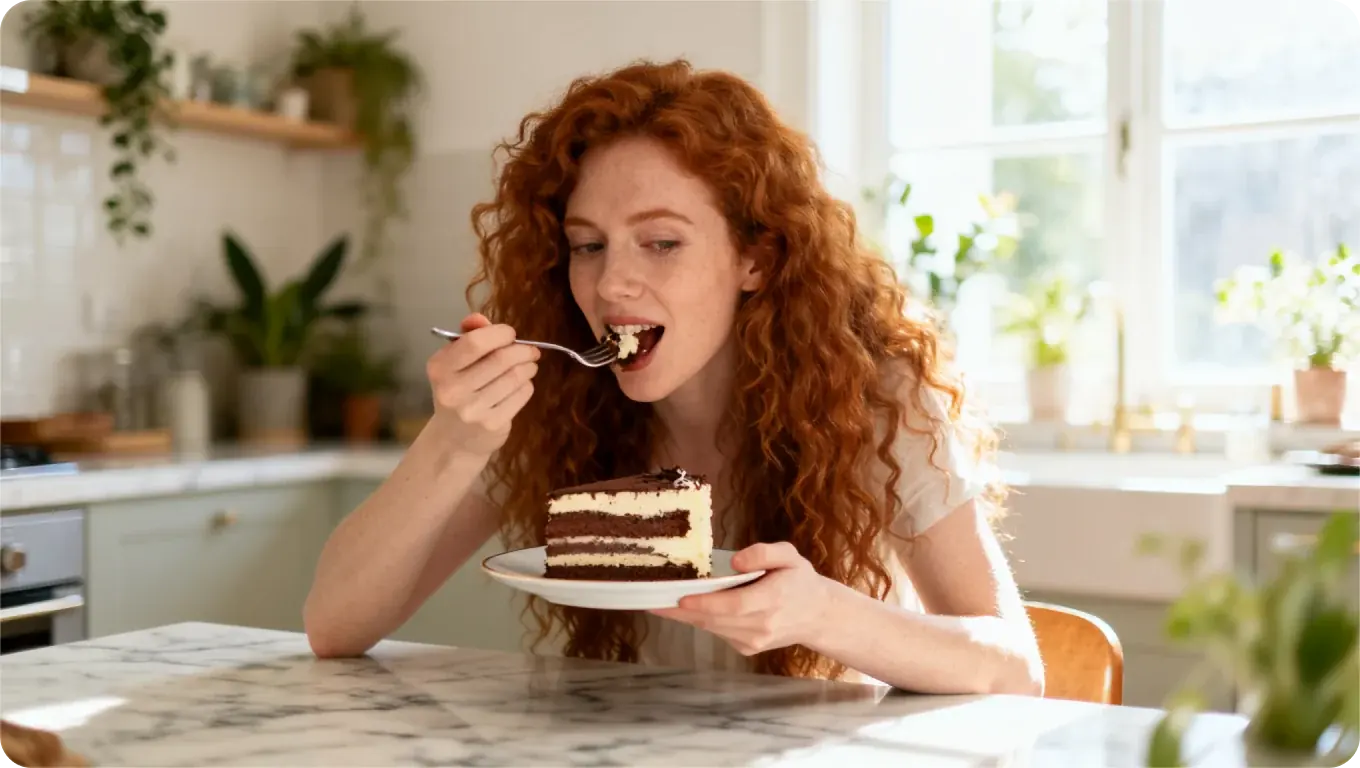
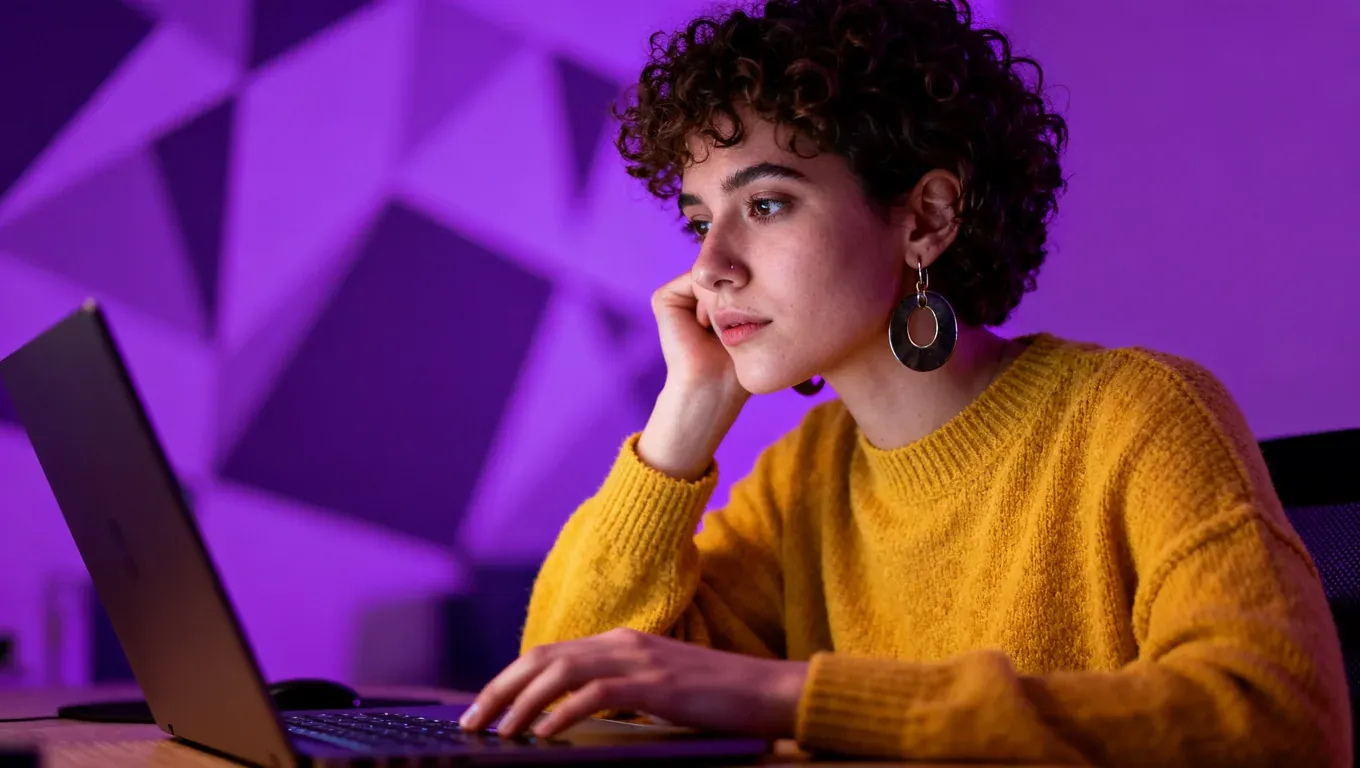
Your File Is Where AI Image Creator Starts
Give it a portrait, a packshot or a pencil scan, then name what has to survive the rewrite. The AI image creator invents whatever you leave unsaid.
How One Run in AI Image Creator Works
One panel holds the model, the reference and the brief. The AI image creator never runs from words alone.
- Step1
Pick the Model and Frame
Your model decides how many references you may attach, one to sixteen, and how long a prompt the AI image creator takes. - Step2
Attach the Source, Write the Brief
Upload your source file, then say what must stay and what changes around it. Vague briefs drift. - Step3
Run It, Then Download It
Credits leave at the start and return automatically on failure. What the AI image creator finishes lands in My Creations, yours to download.
 Your prompt
Twenty Jobs for AI Image Creator
Speaker Cards
Your headshot, put on a lit conference stage by an AI image creator.
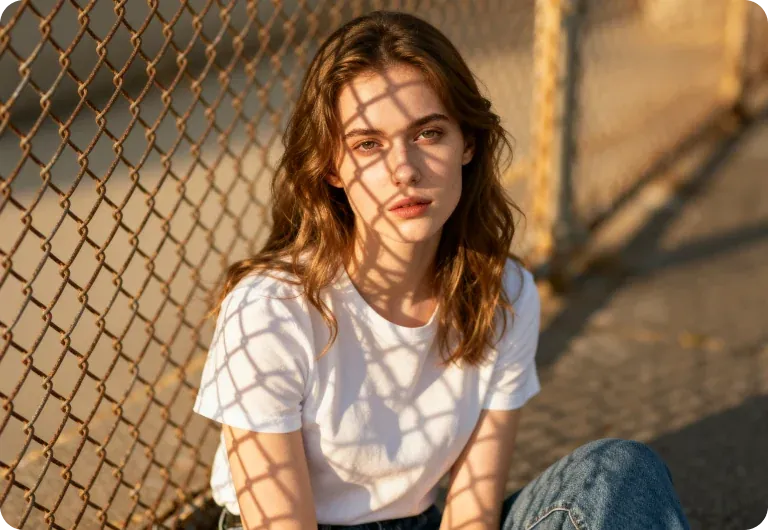
Scene Cameos
Name her from chapter one; this AI image creator builds chapter two's kitchen.
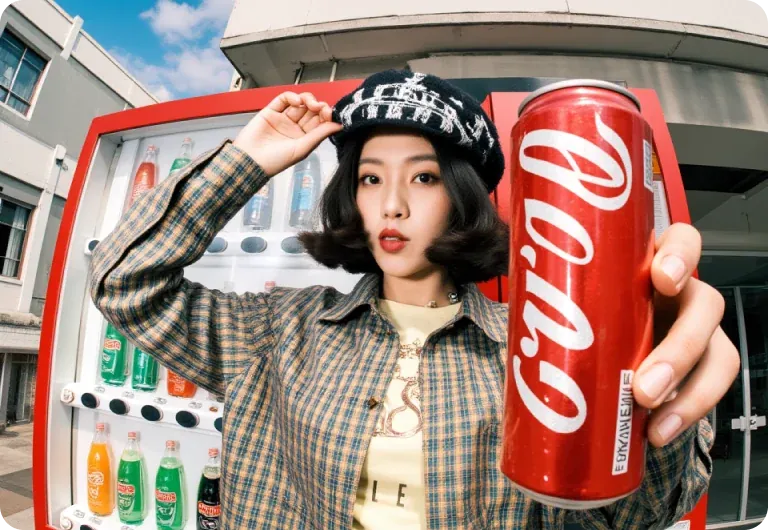
Period Portraits
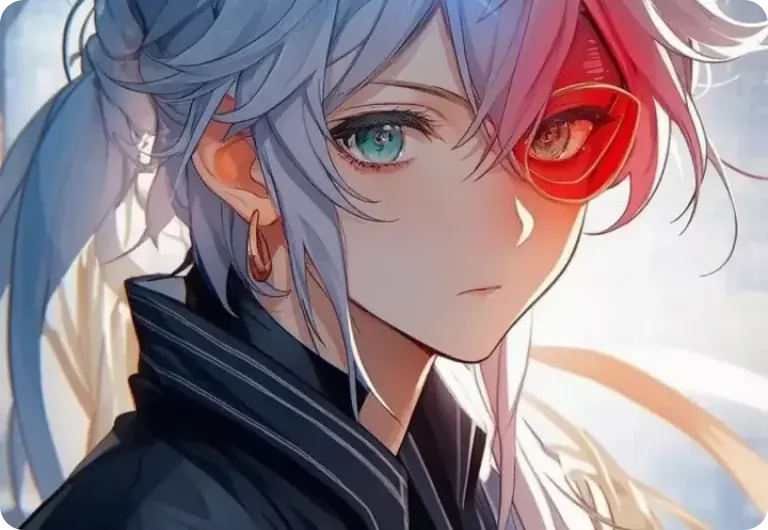
One face in 1930s wool, then 1970s denim — the AI image creator matches the grain.
Two-Hander Shots
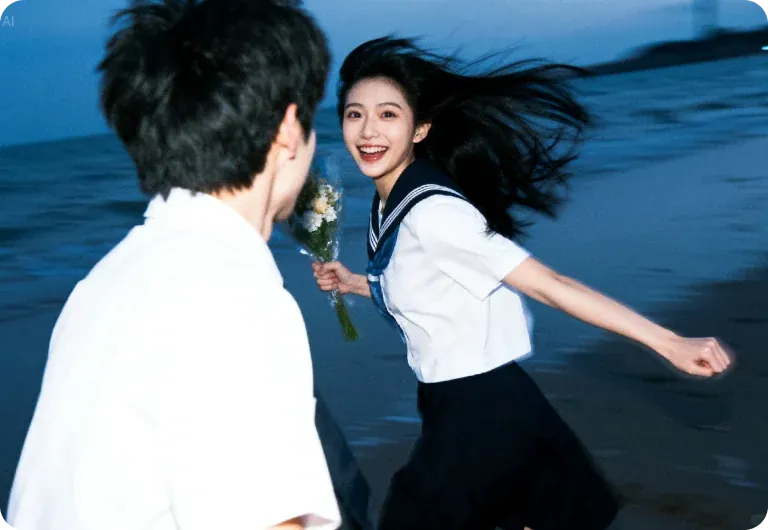
Two people photographed weeks apart, joined in one frame by the AI image creator.
Seven People, Seven Ways Into AI Image Creator
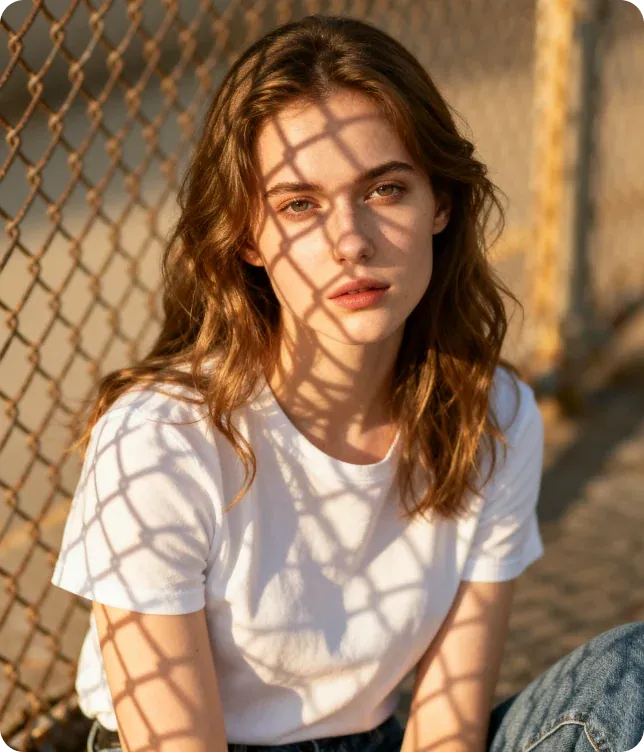
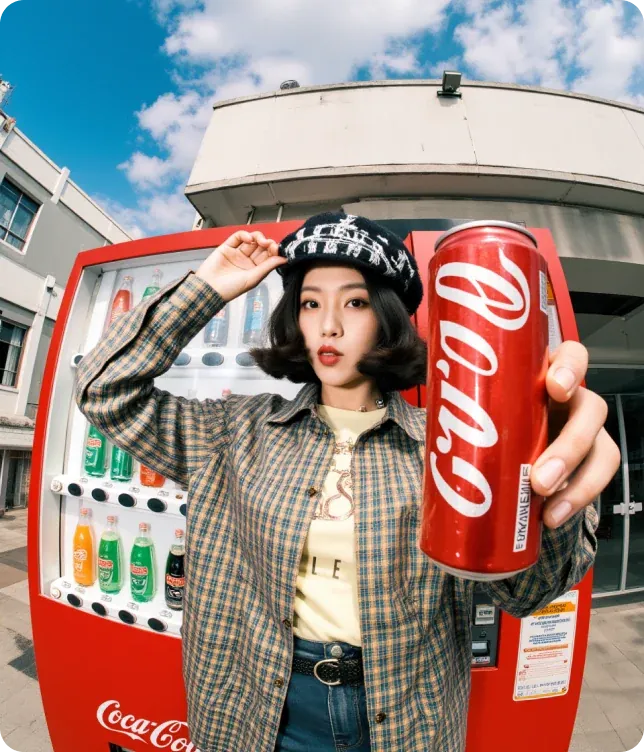
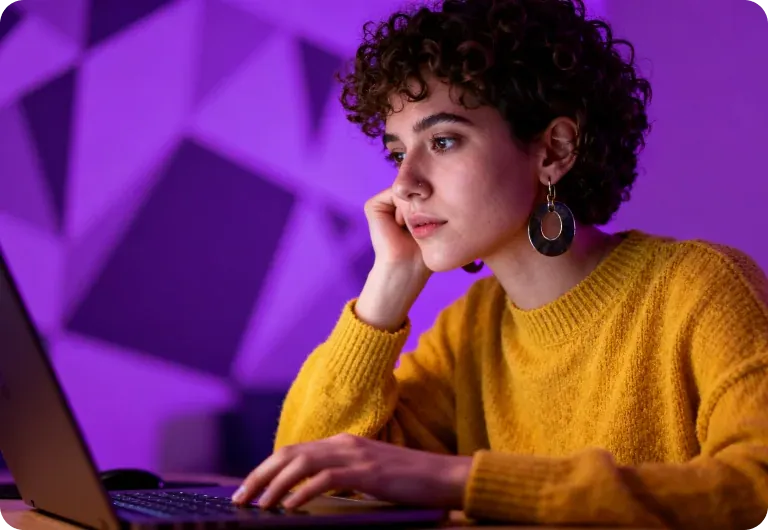
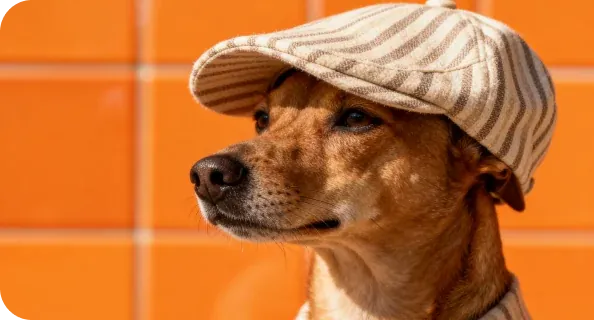
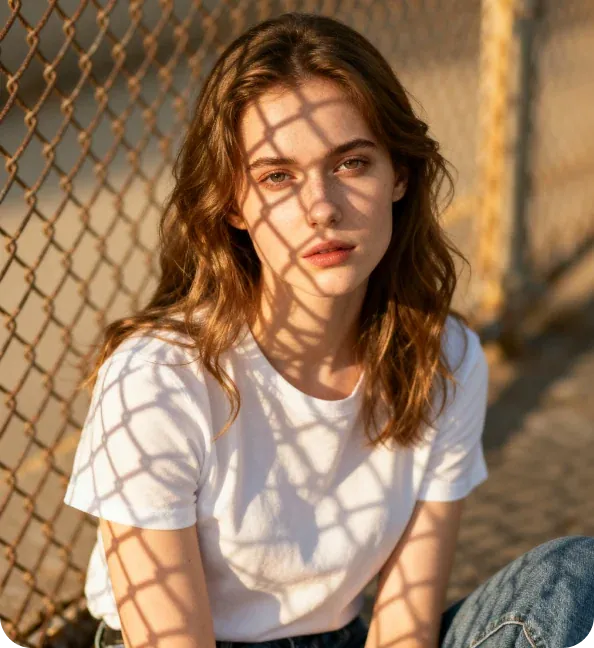
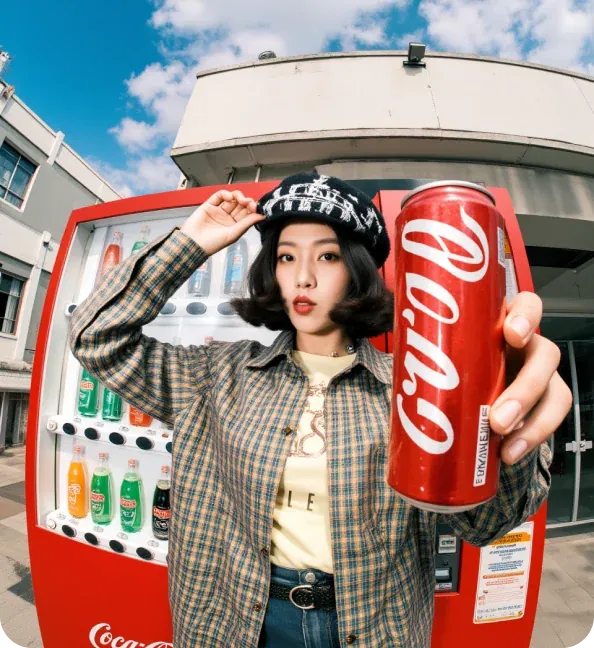
Each of them started from a picture they already owned.

Nadia Haddad
Bakery Owner
I shot the croissant once, in March. Every post since has been that same file through the AI image creator.
How the AI Image Creator Uses Your Photo
Both pages work from a file you upload. Reach for an AI image creator when the subject should end up somewhere it has never been; use Image to Image to repair the picture itself.
JPEG, PNG or WebP, each up to 10MB. How many depends on the model: one for some, up to sixteen for others. This AI image creator shows the cap once you pick.
The AI image creator lists every model that reads a picture: Midjourney, Grok, Flux Kontext, Seedream 5 Pro and more, plus Flux 2, Nano Banana Edit and Ideogram V3 Reframe, which never run from text alone. Five text-only models cannot run here.
Credits leave when the AI image creator starts a job, not at download, so a result you dislike still costs what it used. Failed runs refund themselves; queued jobs cannot be cancelled.
Reword one line of the prompt and run the same file again; each pass through this AI image creator is a separate job with its own deduction. Nothing in My Creations can be renamed, deleted or restored.
A new account gets a small credit grant; the cheapest image costs 2 credits, so it buys a handful of runs in this AI image creator. Paid tiers are Lite, Pro, Max and Enterprise, plus one-time packs, with yearly billing about 30% cheaper per month. They differ in credits only — no faster queue, no unlimited tier, no watermark on any plan.
Bring One File to AI Image Creator
Upload a photo you own and name the one thing that has to survive the rewrite. The AI image creator handles the rest, and a run that fails hands its credits back.