Generate content
Your generated images will show up here.
Image to Image: You Upload, It Redraws
Stock samples chosen for this page, not user uploads or their edits.
Every Run Here Is Image to Image, Not a Reshoot
Upload the picture, name the change; an image to image run makes a new file.
What an Image to Image Run Takes
A file, a frame, one instruction — the whole image to image mode.
- Step1
Bring the File, Set the Options
Upload a JPEG, PNG, or WebP up to 10MB, then choose an image to image model and a ratio. The options differ by model. - Step2
Say What Changes and What Should Stay
Write the edit in plain words: the object to remove, the wall behind it. Name what should stay — the model may still change it. - Step3
Start the Run, Collect the Result
Credits are taken when the job starts, refunded if it fails. Each image to image run lands in My Creations; your original is never overwritten.
 Your prompt
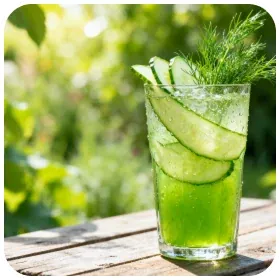
What People Actually Fix With Image to Image
Stray Objects
Name the cable underfoot in words; the image to image run redraws the floor.
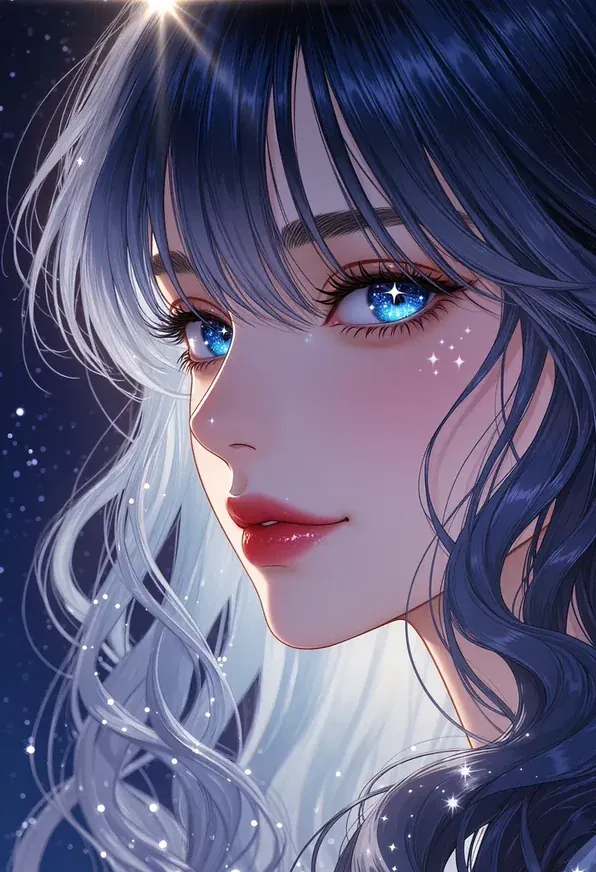
Crowds and Passersby
Tourists drift through the plaza; ask for the empty square they were blocking.
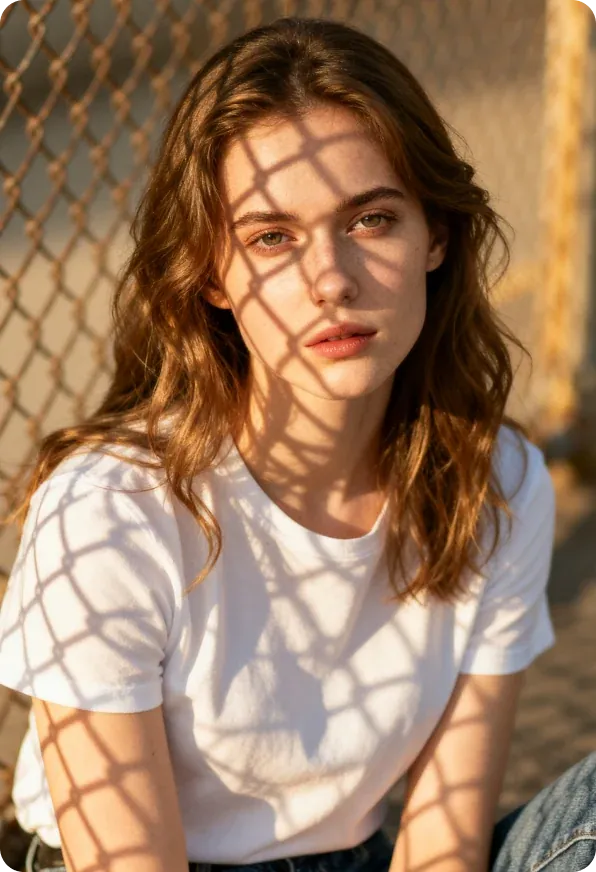
Glare and Reflections
Window glass hands the street back to the camera. Reflections are what image to image edits are for.
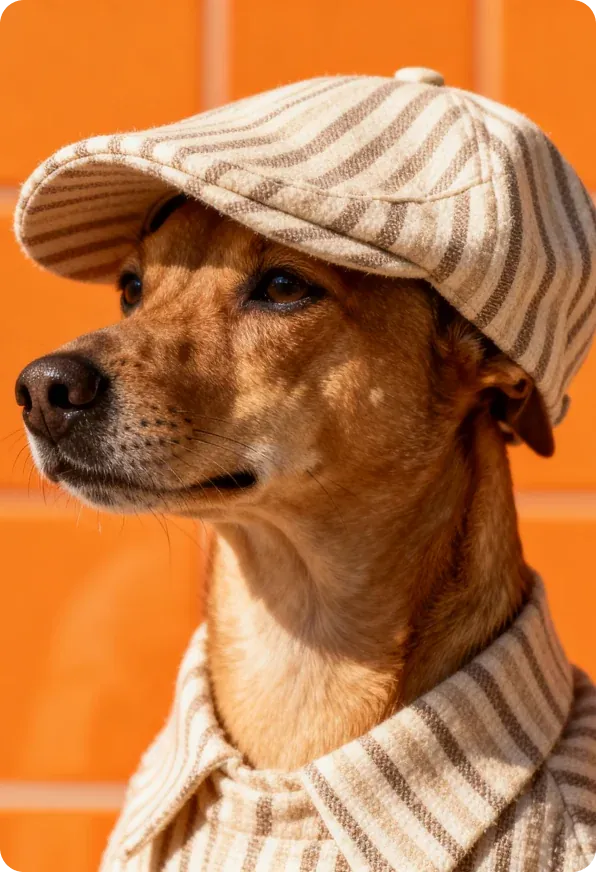
Burned-In Timestamps
Old cameras burned a date into the corner; ask for the sky that was under it.
Seven People, Seven Image to Image Edits
Seven notes on what each of them changed, and what they left alone.

Dario Ferretti
Architectural Photographer
The facade was right except for scaffolding poles; I ask image to image models to drop them.
Questions About Image to Image Edits
An image to image run never overwrites the upload; it writes a new picture. Results land in My Creations, where nothing can be renamed, deleted or restored.
Three run only from a picture and only here: Flux 2, Nano Banana Edit and Ideogram V3 Reframe. Beside them sit the image to image models that also read text — Midjourney, Grok, Flux Kontext, Seedream 5 Pro. Anything that cannot read an upload is absent from the picker.
Both start from a file you upload. Stay here when the picture itself is the problem: clutter to remove, a cast to pull back, a frame that must run wider. Go to Create Image when the picture is fine and the subject needs somewhere new.
The new area is generated, not cropped in from your upload, so say what continues past the edge. An image to image run redraws the whole picture though, middle included — compare it against your file.
Credits leave when the job starts, so a result you dislike still costs. Only a genuinely failed run refunds itself, and a queued job cannot be cancelled. Reword and start another image to image run.
Name what changes and what stays: remove the bin, rebuild the wall behind it, keep the jacket. Naming what stays is a request to the image to image model, not a lock.
Fix That Almost-Right Photo With Image to Image
Upload the frame you keep meaning to fix and say what is wrong. Your file goes back untouched; an image to image run returns the fix as a new picture.