Rotate Image Free and Unlimited
Rotate image files in this tab. Free, unlimited, nothing uploaded.

Or drop a JPEG, PNG, or WebP here, up to 30MB
No photo handy? Give Rotate Image one of these
Rotate Image runs in your browser. The photo is not uploaded, and no credits are used.
Four Reasons to Rotate Image Here
A sideways photo is not a small problem: forms reject it, galleries break on it, and printers ignore it. Rotate Image puts it upright in the tab you already have open, and it costs nothing.
Rotate Image in Three Steps
Upload, pick an angle, download the turned file. Rotate Image asks for no account and no credits.
- Step1
Upload the Photo
A JPEG, PNG or WebP under 30MB. The original never moves off your machine, because Rotate Image reads it straight from the file picker. - Step2
Pick the Angle
Simple gives you the three quarter turns. Advanced opens any angle, the direction, what fills the corners, whether the canvas grows to fit, and a margin. - Step3
Download
The turned copy is drawn in this tab and saved under the name you uploaded, in the format you came in with.
 Rotate Image

Who Uses Rotate Image
Marketplace Listings
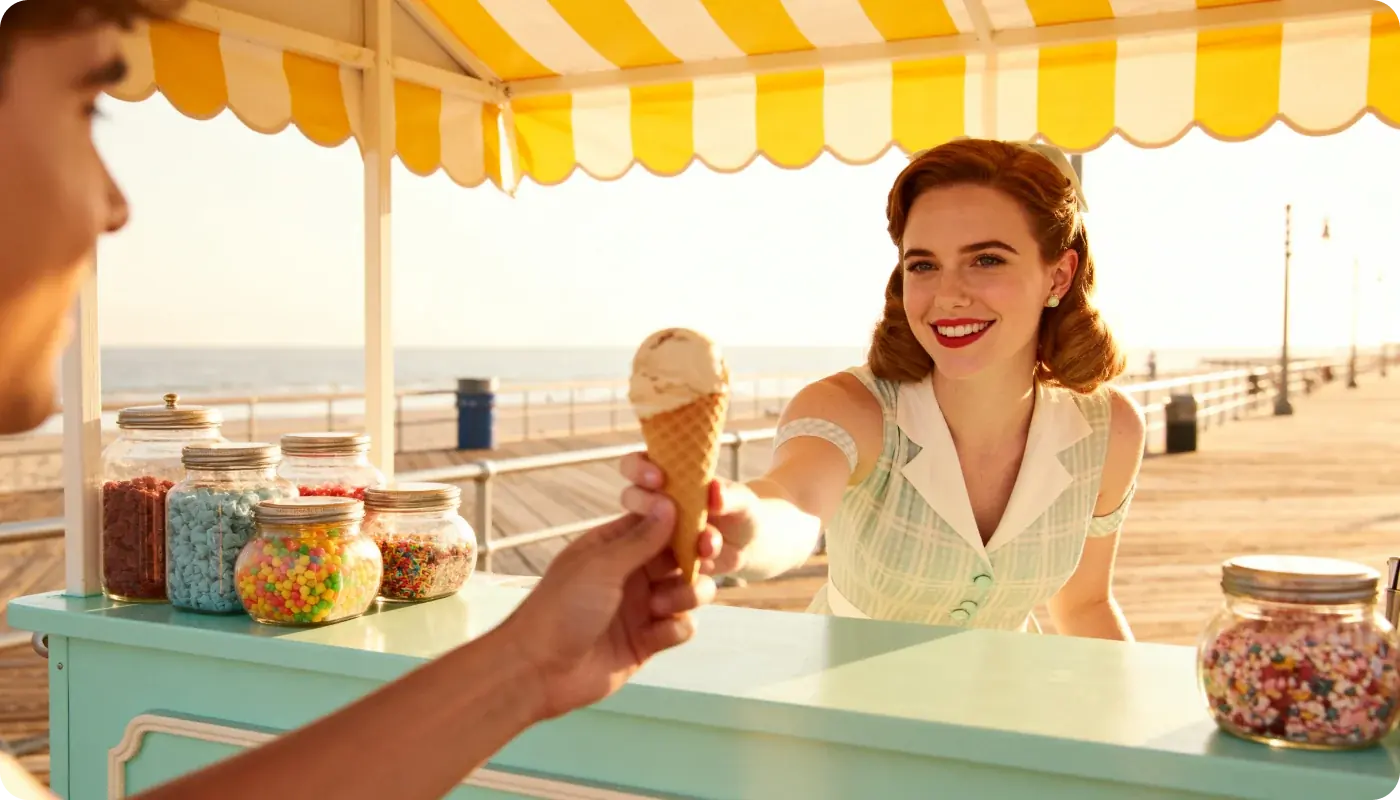
A portrait shot saved as landscape gets rejected on sight. Rotate Image puts it upright before the listing form ever sees it.
One Catalog, One Orientation
A year of phone photos, half of them lying down. One pass and the whole grid stands the same way up.

Seasonal Refresh
The same photos go out again next season. Turn the ones that came back sideways instead of booking another shoot.

Variant Shots
Six colourways from one session, and the phone rolled between three of them. Rotate Image levels the set.






What People Do With Rotate Image
Notes from people who straighten a photo before they send it anywhere.



Ingrid Halvorsen
Handmade Jewellery Shop Owner, Bergen
Rings shot with the phone sideways. I rotate image by image until the whole listing stands up the same way.
Rotate Image Questions
Yes. The photo is decoded and redrawn in this tab, so Rotate Image never uploads it. The network panel stays quiet while it works.
At 90, 180 or 270 degrees nothing is resampled: the pixels are only re-indexed, so the file comes back exactly as sharp as it went in. Any other angle has to redraw the picture, and edges pick up the slight smoothing that comes with it.
JPEG, PNG and WebP, and you get back the format you came in with. HEIC, TIFF, SVG and animated files are not handled on this page.
Yes. 30MB per photo, and the long edge is capped at 8192 pixels so a huge frame cannot run the browser out of memory. Within that, there is no cap on how many photos you put through in a day.
No. Rotate Image holds the working copy in the tab and nowhere else. Close the tab and both files are gone from this machine.
Yes. The pixels are yours before and after you rotate image files here, and we claim no rights to anything you download.
No. Rotate Image never calls the API, so there is no sign-in, no credit deduction and no limit on how many photos you put through it.
Yes. Move the angle and rotate image again as often as you like; the preview follows every change. The last download stays available until you leave the page.