Remove Object From a Photo
Brush it out, keep the photo
Upload a photo, brush what you want gone, and Remove Object fills it in.


Or drop a JPEG, PNG, or WebP here, up to 30MB
No photo handy? Give Remove Object one of these
Sign in to run the tool. Each Remove Object run costs 14 credits, refunded automatically if it fails.
Four Everyday Reasons to Open Remove Object
One upload, one brush pass, one photo you can publish. These four cases come up most.

Remove Object in Three Steps
Upload, mark what should go, download what Remove Object gives back.
- Step1
Upload the Photo
A JPEG, PNG, or WebP under 30MB. Your original is never altered, so work from the largest copy you have. - Step2
Brush What You Want Gone
Remove Object detects nothing on its own. You mark the area yourself, shadow included, and zoom in before tracing something thin like a wire. - Step3
Download the Result
The area comes back filled with matching background. Save it, or brush again if a corner still shows. Each run costs 14 credits, and a failed run refunds automatically.
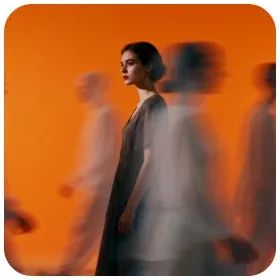 Brushed area repainted by Remove Object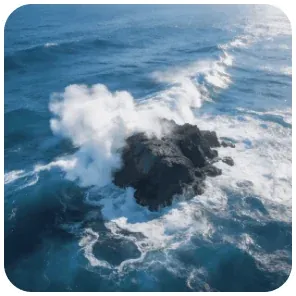

Who Turns to Remove Object for Work Photos
Props Off the Table
The styling prop that dated the shot: dried flowers, a linen runner. Remove Object closes the surface behind it.

Reflections You Did Not Want
A window, a lamp, your hands in the chrome. Remove Object paints the patch back to plain metal.

Stickers and Price Labels
Barcodes, clearance stickers, a peeling price tag. Remove Object strips them and the listing stops looking secondhand.

Stands and Clamps
The clamp holding a bottle upright. Remove Object takes out the rig that held the shot together.

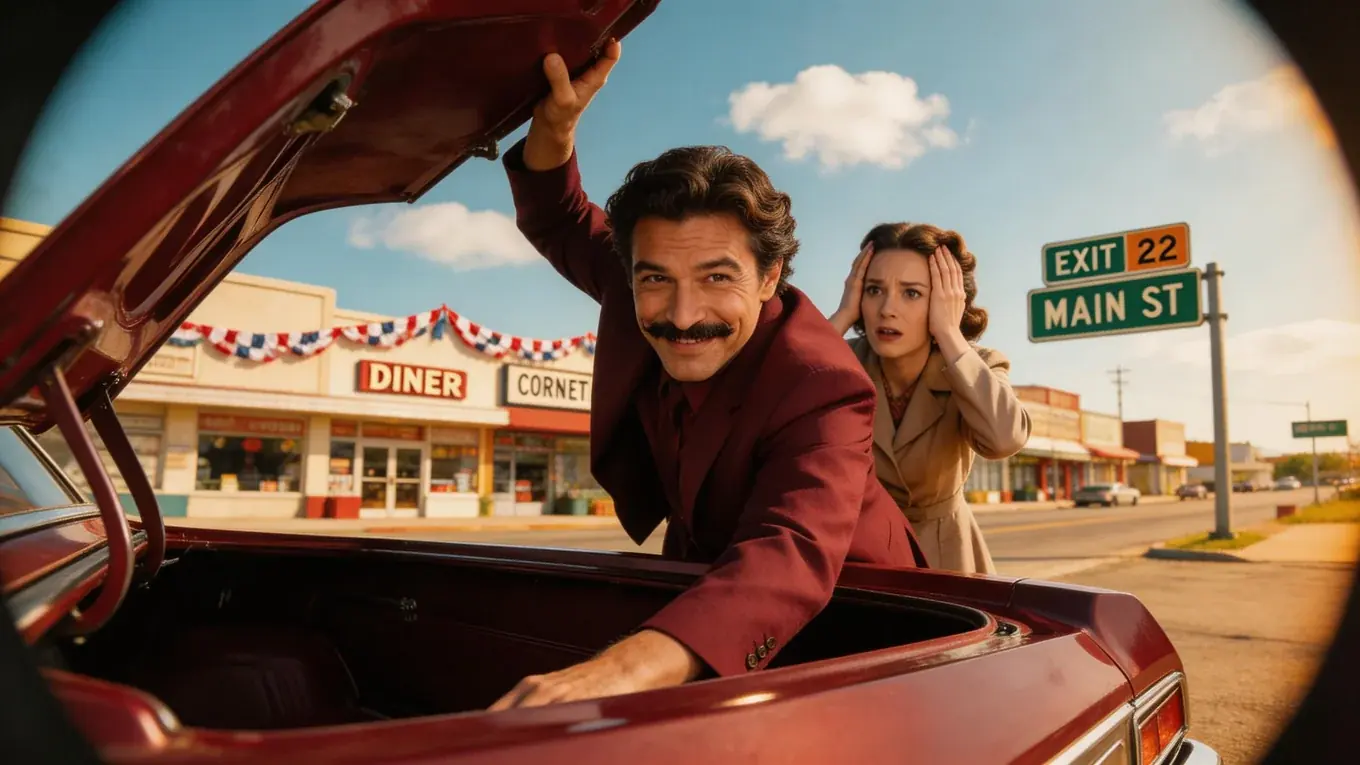


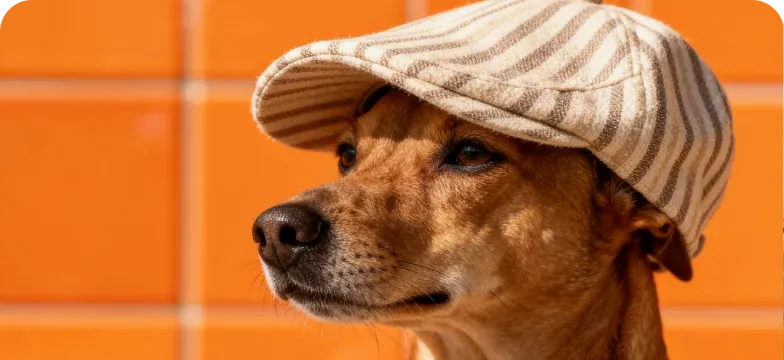
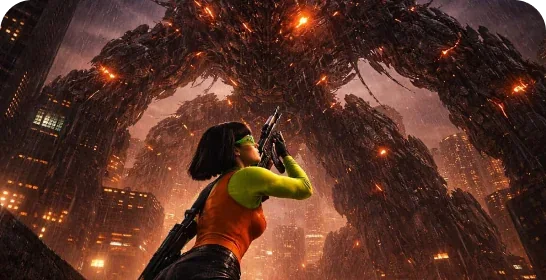






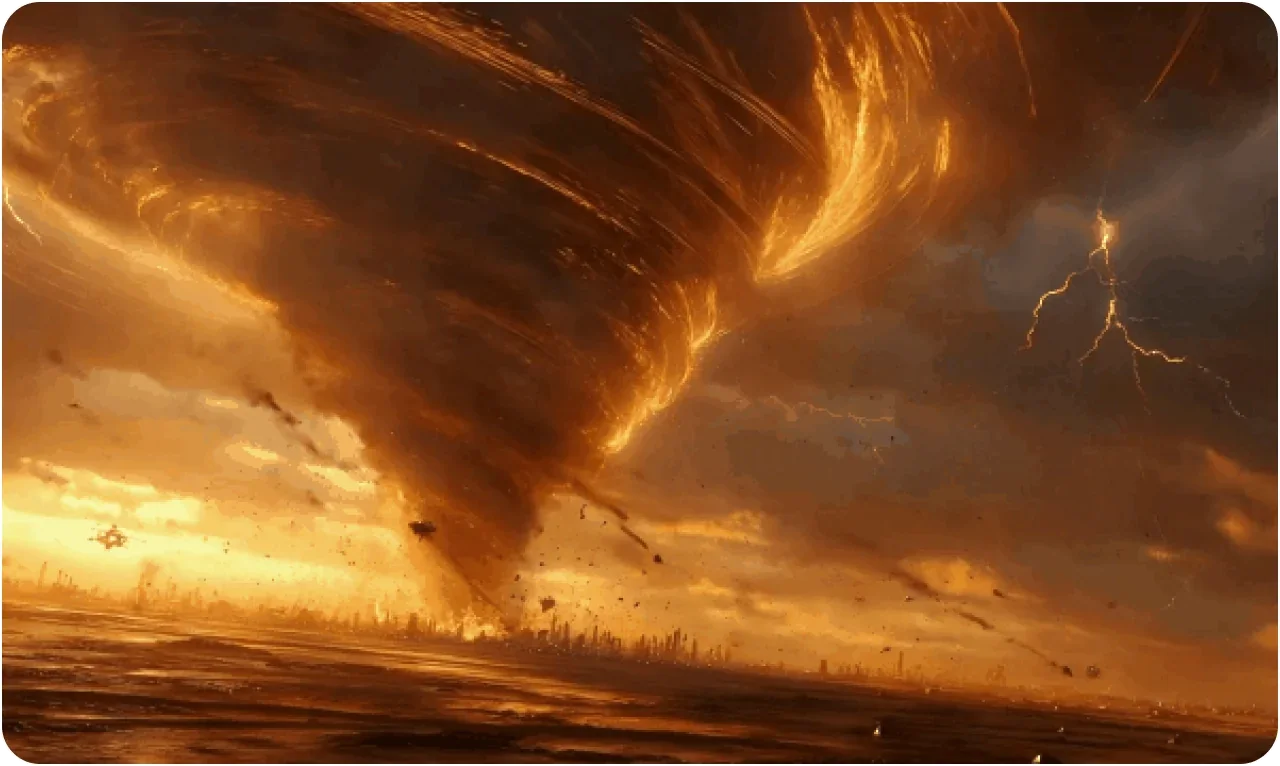

Notes From People Who Run Remove Object Every Week
Seven people who reach for Remove Object before a photo goes live.





Saoirse Whelan
Vintage Furniture Seller, Galway
Every chair I shoot has a bin bag behind it. Remove Object puts the wall back where the bag was.
Remove Object Questions, Answered Plainly
Brush over the thing, then run the tool. Remove Object repaints that area from the background around it. Nothing is detected for you, so whatever you leave unbrushed stays.
The Remove Object brush does not need to be neat. Cover the whole thing plus its edge, because a missed sliver often comes back as a smudge.
Brush everything in one pass, or download the result and upload it again for the next round. Separate passes suit things far apart in the frame.
The wider the gap, the more the model invents. Sky and plain walls are where Remove Object is strongest; tile and text are harder. Break something that size into smaller sections, one pass each.
Yes, 14 credits per run, deducted when it starts and refunded automatically if it fails. You need to be signed in so the run is tied to your account.
JPEG, PNG or WebP, up to 30MB. The result comes back as an image you download. Anything larger or in another format is not accepted.
Yes, personally or commercially. We claim no rights over what you download. Just check you hold the rights to the photo.
It is kept with your account so you can download the result. We do not train models on your uploads, and nothing you send is published or shown to anyone else.