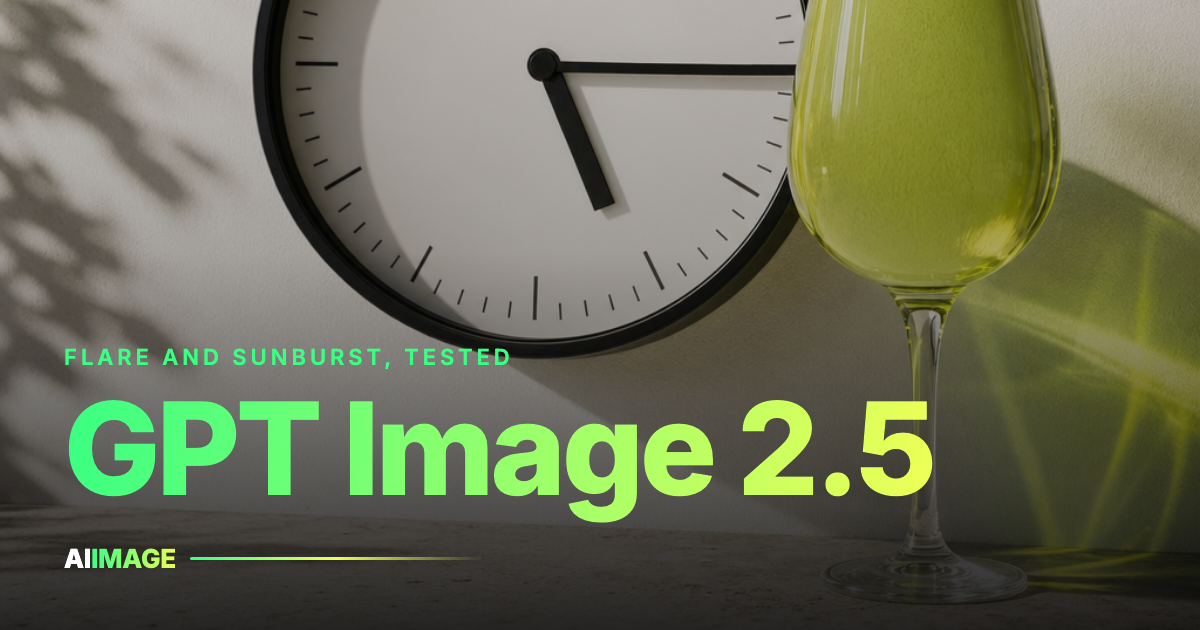
I gave GPT Image 2.5 a week of real jobs, not demo prompts: a clock that had to read a set time, a wine glass filled to the brim, a crowd whose back row was not supposed to melt. Most came back right. One run came back with two clocks.
Every run behind this piece is mine, made in the gpt image 2.5 panel on this site, and the credit prices I quote come off that same screen.
TL;DR GPT Image 2.5 is OpenAI's follow-up to GPT Image 2, in two variants: Flare for speed, Sunburst for heavy frames. Literal obedience is the headline skill, stacked instructions the headline failure. A GPT Image 2.5 run here costs 6 credits at 1K, 10 at 2K and 16 at 4K, and native 4K means no upscale step afterwards.
Flare, Sunburst, and which one you get
OpenAI ships GPT Image 2.5 as two variants. Flare is lighter and quicker; Sunburst is the heavy sibling, for work where the result outranks the wait. Which GPT Image 2.5 variant answers inside ChatGPT and Codex is undocumented, though from how those outputs behave I would bet on Flare.
Here the choice is explicit. Flare is the GPT Image 2.5 variant you get by default when the Flare panel opens; Sunburst waits one click away and has its own page if you want to start heavy. The 2.5 overview lists what each GPT Image 2.5 variant handles.
I sent the same six prompts through both variants. The split encodes OpenAI's own division of labor: Flare for the quick pass, Sunburst for frames you would not want rushed. Choosing a GPT Image 2.5 variant is a question about the brief, and the cost is identical either way.
| Variant | What it is for | 1K | 2K | 4K |
|---|---|---|---|---|
| Flare | Drafts, iteration, everyday prompts | 6 credits | 10 credits | 16 credits |
| Sunburst | Crowded scenes, final frames | 6 credits | 10 credits | 16 credits |
Quick note on credits: sizes are 1K, 2K and 4K with nothing in between, and a failed GPT Image 2.5 run refunds its credits automatically. Starter credits are free, then a plan or a one-time pack on the pricing page keeps GPT Image 2.5 running. No watermark on any plan.
Both GPT Image 2.5 variants, one box
Test a prompt against Flare and Sunburst without leaving the page.
The literal test
Ask a diffusion model for a clock reading 5:15 and you get 10:10; ask for a wine glass filled to the top and you get one poured like a sommelier is watching. Those models average over what such pictures usually look like, and GPT Image 2.5 does not. I asked for 5:15 and the hands landed on 5:15; the glass I asked to fill came back full.
What GPT Image 2.5 does with a stated number is treat it as a number, whether that is a time, a count or a fill level. Briefs with figures in them go to GPT Image 2.5 first now.
The gain over GPT Image 1 is narrower than the version number implies, because what GPT Image 2.5 improves is conversational editing and the noise floor rather than raw fidelity.
Obedience also costs GPT Image 2.5 some taste. Bare output from GPT Image 2.5 can feel flat beside Midjourney, still the better instrument when a brief is a mood.
Where GPT Image 2.5 still falls apart
Stack four instructions and the seams in GPT Image 2.5 show. My test: a pelican on a bicycle, at 5:15, holding a glass of wine. Back came an analog clock reading the right time plus a second, uninvited digital one, and legs stretched flamingo-thin to reach pedals that both sat on one side of the bike.
The literalism in GPT Image 2.5 is per-instruction, not per-scene. Each clause gets satisfied; nothing inside GPT Image 2.5 notices that satisfying all of them produced an anatomy that cannot exist. Four hard constraints means splitting the job across two GPT Image 2.5 runs.
Grain is down, and the pasted-in look on foreground subjects is reduced without being gone. The clearest improvement is crowds: background characters that used to arrive with extra limbs and blobby faces now read as plausible out-of-focus people, which widened what I send GPT Image 2.5 for.
Resolution is the concrete difference
Native GPT Image 2.5 output in ChatGPT and Codex measures roughly 1672x941. That is under 1080p, so production work there starts with an upscale pass.
Here the same model runs at native 4K for 16 credits and needs no upscale step. That is the whole claim and I will not stretch it: pixels leave GPT Image 2.5 at the size you picked. A gpt image 2.5 run at 2K costs 10 credits and covers most web work.
Results land full size in My Creations, so the 4K GPT Image 2.5 file you paid for is the file you get back. The same three sizes show on the text to image index.
Know one thing before opening the panel. Text to image is all it does: no reference slot, every GPT Image 2.5 run starting from an empty box. I lost twenty minutes learning that, and the work I was trying to do belonged at image to image anyway.
Sunburst, for the demanding frames
The heavier GPT Image 2.5 variant sits in the same picker, one click from Flare and at the same price.
What Astra adds on OpenAI's side
Paired with OpenAI's Astra reasoning system, GPT Image 2.5 does more than a prompt box allows, starting with edits researched before they are made. One reference image produced a clean four-angle grid, and GPT Image 2.5 held character identity through it better than Nano Banana 2 or Nano Banana Pro. Style transfer reached past a vibe to a named film's own color grading.
The moment that stuck was smaller: one output had cropped the subject's feet, and GPT Image 2.5 fixed the framing unprompted.
Astra is not part of a plain generation panel, this one included; what carries over is the literal-minded GPT Image 2.5 model underneath.
How GPT Image 2.5 sits against the neighbors
Four neighbors in the same picker overlap with GPT Image 2.5. What follows is how they sorted out over a week of my briefs, not a benchmark, and each wins somewhere GPT Image 2.5 does not.
| Model | Strongest at | Weak spot | Who should pick it |
|---|---|---|---|
| GPT Image 2.5 | Literal instructions, exact counts | Four-constraint prompts, bare polish | Anyone with a spec, not a mood |
| Nano Banana Pro | Clean subjects, quick iteration | Held identity less well over four angles | Volume work, simple briefs |
| Midjourney | Look and feel out of the box | Argues with literal detail | Mood boards, covers, posters |
| Ideogram | Text inside the image | Narrower range elsewhere | Signage, packaging, lockups |
| Seedream 5 Pro | Stylized composition | Looser about counts | Editorial and concept frames |
Run your own brief rather than trusting mine: at 6 credits a 1K GPT Image 2.5 test settles it, and the rest of the catalog is one click away in the same workspace.
When GPT Image 2.5 is the wrong pick
Three times that week I should have opened something else.
Pure aesthetic work. When a brief is a feeling and nobody is counting anything, Midjourney still looks better untouched, while GPT Image 2.5 renders the description faithfully and leaves you wanting atmosphere.
Anything starting from a reference. The panel is text to image only, so that job goes to image to image, or to the free background remover and object remover when all it needs is a cutout.
Rough drafting at volume. Forty thumbnails at 6 credits each is the wrong trade, so a cheaper model gets me to a shortlist and only the winner goes to GPT Image 2.5 at 4K.
The verdict after a week
I keep going back because GPT Image 2.5 does what I said, which only sounds like a low bar until you have argued with a model that does not. The flatness is real and so are the stacked-prompt failures, but neither stopped GPT Image 2.5 becoming my default for anything with numbers in it.
Skip the pretty prompt if you want a real test. Write four things that must be true in the picture, run gpt image 2.5 at 1K, then count survivors.
What is the difference between Flare and Sunburst?
Flare is lighter and opens by default; Sunburst is the heavier variant for demanding scenes. Both GPT Image 2.5 variants cost the same: 6 credits at 1K, 10 at 2K, 16 at 4K.
Which variant powers ChatGPT and Codex?
OpenAI does not document it. Testing points to Flare, but treat that as an informed guess about GPT Image 2.5 rather than a fact.
Do I need an upscale pass?
Not here. Output in ChatGPT and Codex runs about 1672x941, under 1080p; GPT Image 2.5 renders at native 4K on this site for 16 credits.
Can I upload a reference image?
No. Every GPT Image 2.5 run starts from an empty box. Reference work lives at image to image, which adds Flux 2, Ideogram V3 Reframe and Nano Banana Edit.
What happens when a run fails?
Credits come back automatically. Finished GPT Image 2.5 files arrive at full size with no watermark, and plans or one-time packs sit on the pricing page.
Is it better than GPT Image 1?
Better at conversational editing and cleaner in the noise floor, without a leap in raw quality. What changed my week is how reliably GPT Image 2.5 follows a literal instruction.
aiimage.com has no affiliation with OpenAI. Model names, GPT Image 2.5 included, belong to their owners. Credit costs and sizes here reflect what was live on aiimage.com during testing and can change.