Create with Imagoir AI Image in 4 Easy Steps
No editing skills required. Just pick, type, and go. Imagoir AI Image
Generate content
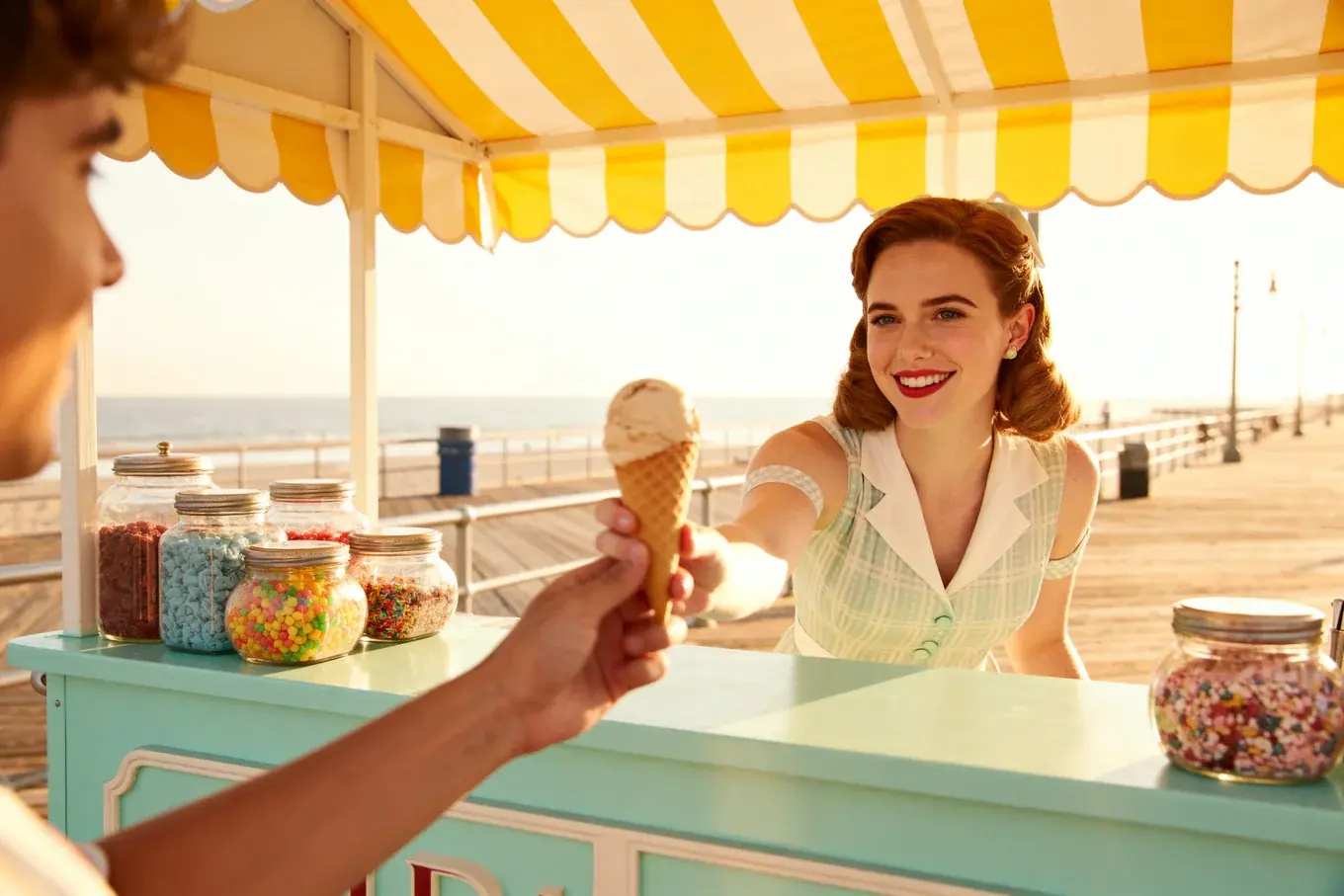
Your generated images will show up here.
Community Creations
No editing skills required. Just pick, type, and go. Imagoir AI Image handles the rest with Image
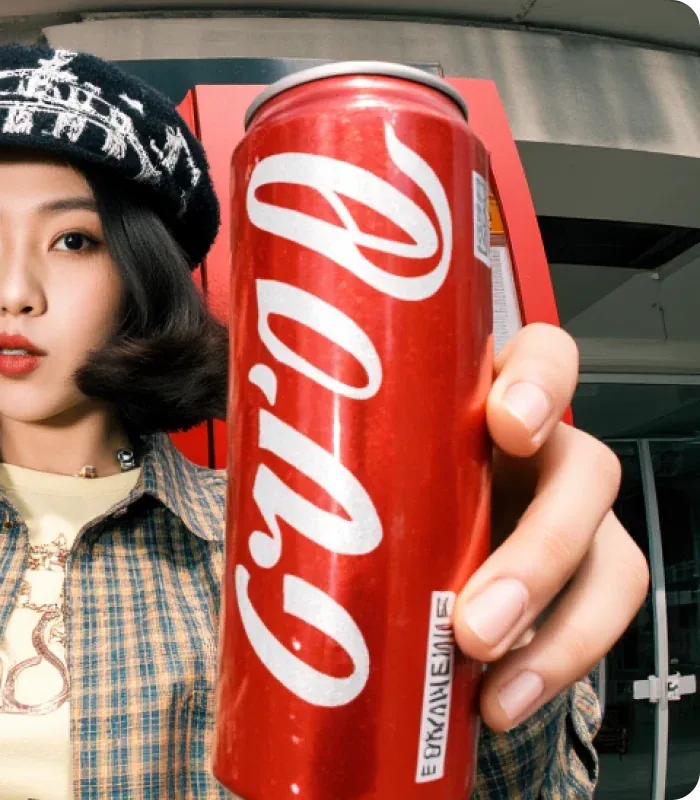
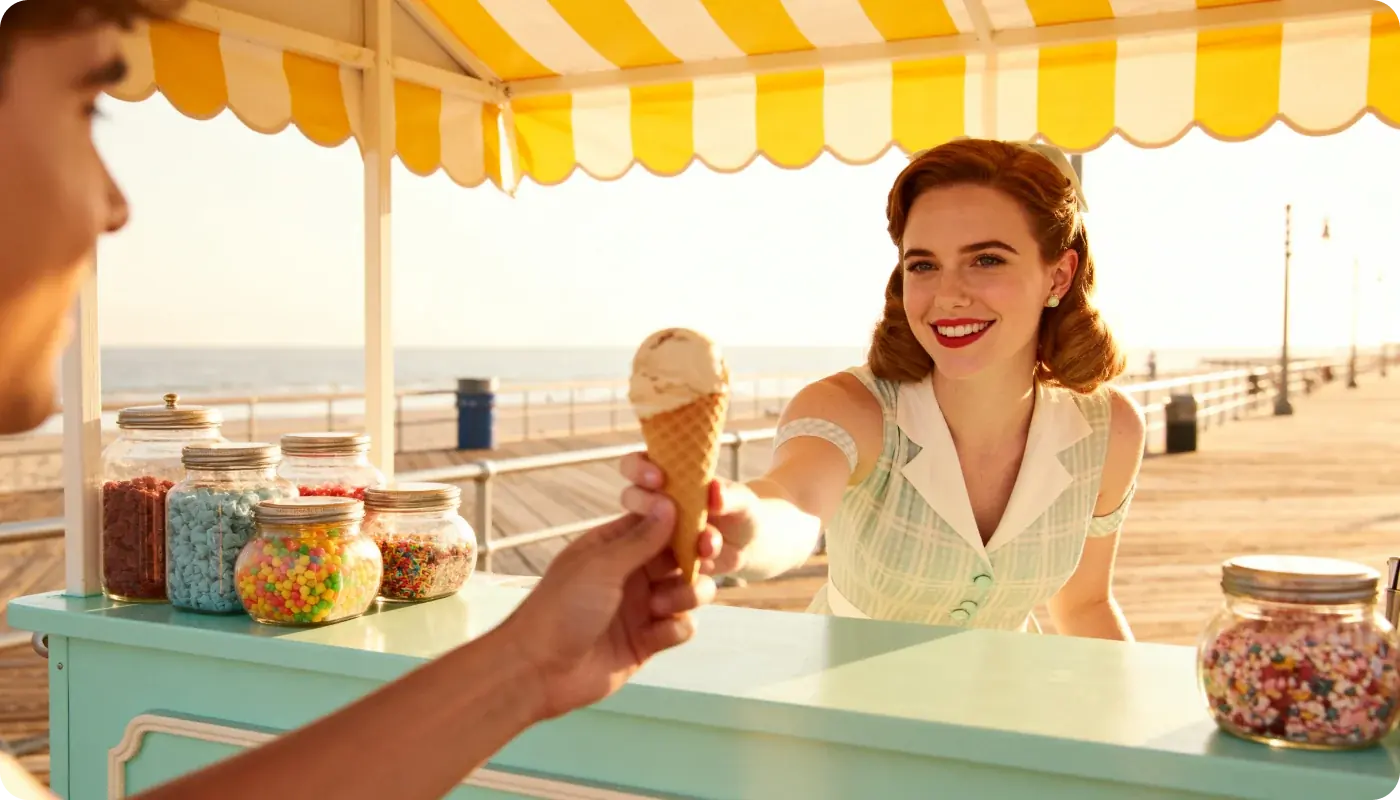
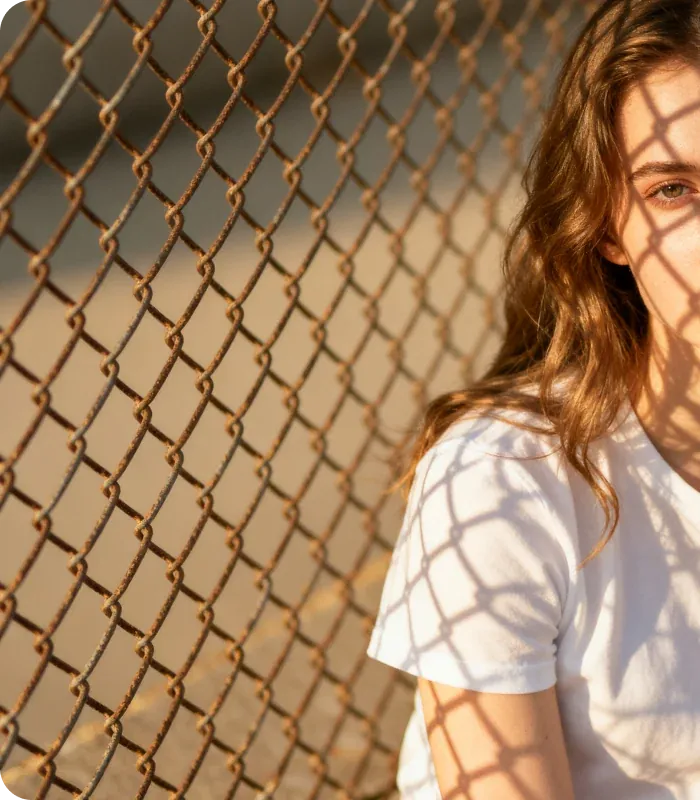
Three Steps to Your First Imagoir AI Image
From a blank prompt box to a finished picture, the whole workflow is three short steps and nothing to install.
- Step1
Customize Settings
Pick an Imagoir AI Image model, aspect ratio, resolution, and output format. Imagoir AI Image remembers the setup so the next run starts where you left off. - Step2
Describe Your Vision
Write the scene in plain language, or drop a reference photo into Imagoir AI Image. Imagoir AI Image reads both and keeps the subject, lighting, and mood you asked for. - Step3
Generate Content
Hit generate and watch the picture appear. Every result is saved to My Creations, ready to download, refine, or send back through Imagoir AI Image with a different model.
UploadPNG、JPG or Paste from Clipboard
 Prompt
Trusted by 10 Million Users Worldwide
Marketers, founders, teachers, and indie developers open Imagoir AI Image every day. Here is what they ship with Imagoir AI Image.


Ethan Blake
E-Commerce Content Lead
I used Imagoir AI Image to batch product heroes and short-form covers. Prompts only — one Imagoir AI Image run beats waiting a week on a design queue.