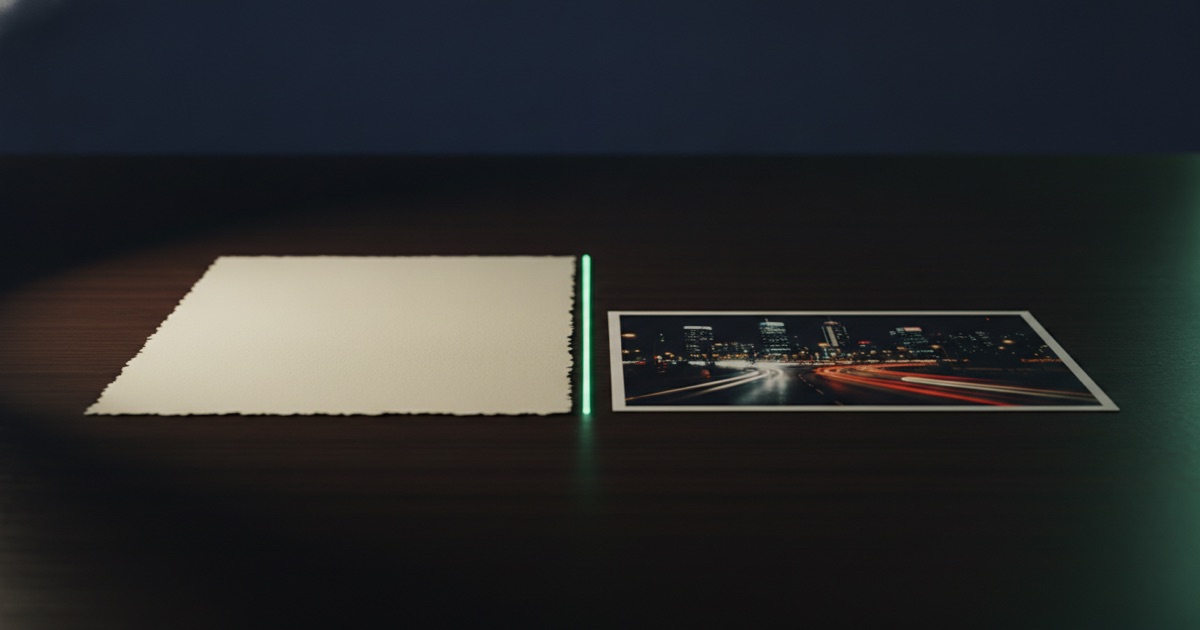
Every job begins with the same fork, and most wasted credits come from taking the wrong branch. Describing a picture from nothing and modifying a picture you already have are different tools, and the second one is underused.
The rule
If any part of the final image already exists — a product, a logo, a room, a face, a sketch, even a bad render from yesterday — start from image to image. If nothing exists yet, start from text to image.
That sounds obvious written down. In practice people describe their own product in words to a model that has never seen it, then spend fifteen renders trying to talk it into the right shape.
What each mode actually controls
| Text to image | Image to image | |
|---|---|---|
| You provide | A description | One or more pictures, plus a description |
| You control | Subject, style, framing | All of that, plus the thing itself |
| Attempts to land | Several, if the subject is specific | Usually one or two |
| Reference slots | None | 1 to 16, depending on the model |
| Best for | Concepts, scenes, moods, backgrounds | Products, people, brand assets, revisions |
Both cost the same per render on the same model. The difference is not the price of an attempt, it is how many attempts you need.
Reference images are the whole point
How many references a model accepts is a real capability difference, not a spec sheet detail. Some models take exactly one. GPT Image 2 and GPT Image 2.5 take up to sixteen. Nano Banana 2 takes fourteen, Nano Banana Pro and Seedream take eight to ten.
One reference answers "make it look like this". Eight references answer "this is the product, from these angles, in this finish, and here is the lighting I want". The second question is the one product photography actually asks.
What to put in the slots
A useful set is: two or three angles of the subject, one image for lighting or mood, and one for the surface or setting. Adding eight variations of the same angle does not help. The model is not averaging; it is being shown what matters.
The cases people get wrong
Logos and packaging. A model asked to draw your logo from a description will produce something logo-shaped and wrong. Supply it as a reference and the same model places it correctly.
The same product, twelve times. Marketplace listings need consistency more than they need brilliance. Text to image gives twelve plausible bottles; image to image with a fixed reference set gives one bottle photographed twelve ways.
"Almost right, one change". This is the biggest one. When a render is 90% there, people rewrite the prompt and reroll, which re-randomises everything including the parts that were working. Feeding the good render back as a reference and describing only the change keeps what you liked.
Backgrounds. Cutting a subject out and putting it somewhere else is not a generation problem. The background remover, transparent background and background colour tools do it without touching the subject at all.
When text to image is genuinely the right call
Backgrounds and environments you will composite into later. Concept work where the point is to see options. Illustration and stylised art with no real-world referent. Anything where "surprise me" is a feature rather than a risk.
It is also the cheaper place to explore. The 2-credit models exist for exactly this: run six framings of an idea, pick one, and only then bring in references and a better model to execute it.
A hybrid workflow that works
Most finished images on this platform come out of a loop rather than a single prompt. Draft the composition with text to image on a cheap model. Pick the best frame. Move to image to image, feed that frame back as a reference along with the real product, and describe only what should change. Run the final on the model that suits the destination.
Two or three passes of that beats twelve rerolls, and it costs less. Repeatable results covers the parameter side of the same loop — seeds, guidance and what is worth fixing between runs.
Switching mid-job without starting over
In the workspace, the prompt box is identical in both modes; adding a reference image is what moves you from one to the other. Nothing about your prompt has to be rewritten, and the model list stays the same, so a comparison you already made still applies.
Nineteen models support each mode, with different reference limits. The catalogue lists them, and pricing is per render regardless of which mode you used — so the only thing the choice changes is how many renders you need. That is usually the entire budget.
The same job, run both ways
A concrete comparison. You have a photo of a ceramic bottle and need three images: a white-background listing shot, a kitchen scene, and a wide banner.
| Approach | Steps | Result |
|---|---|---|
| Text to image only | Describe the bottle each time; reroll until the shape is close | Three different bottles, none of them yours |
| Image to image | Feed the photo as a reference; describe only the setting and the frame | One bottle, three settings, consistent |
The second route also finishes faster, because each image lands in one or two attempts instead of five. The credit cost per render is identical; the total is not close.
Failure modes worth recognising
The drifting subject. Your product changes shape between renders. Either you are in text to image when you should not be, or strength is set high enough to let the model reinterpret the reference.
The collage. Too many unrelated references produce an image that averages them. Five references chosen for different jobs — angle, angle, lighting, surface, mood — work; twelve similar ones do not.
The overwritten win. A render is nearly perfect, you rewrite the prompt, and the good version is gone. Feed the good render back as a reference and describe only the change.
The prompt that should have been a tool. Asking for "the same image but with a white background" is a full render when one tool does it without touching the subject.
Which models suit which mode
For text to image, the cheap fast engines matter most, because exploration is where the attempts pile up. For image to image, the reference limit decides what is possible: one slot is enough for a style transfer, but product work with several angles needs eight or more.
Model pages list both figures, and the catalogue shows them side by side. Nothing else about your workflow has to change between modes — the same prompt, the same aspect ratio settings, the same balance.